# Figma to HTML Converter
Getting from a Figma design to clean, semantic HTML and CSS usually means either manual coding or relying on bloated, unmaintainable export tools.
[Start Free→](/)
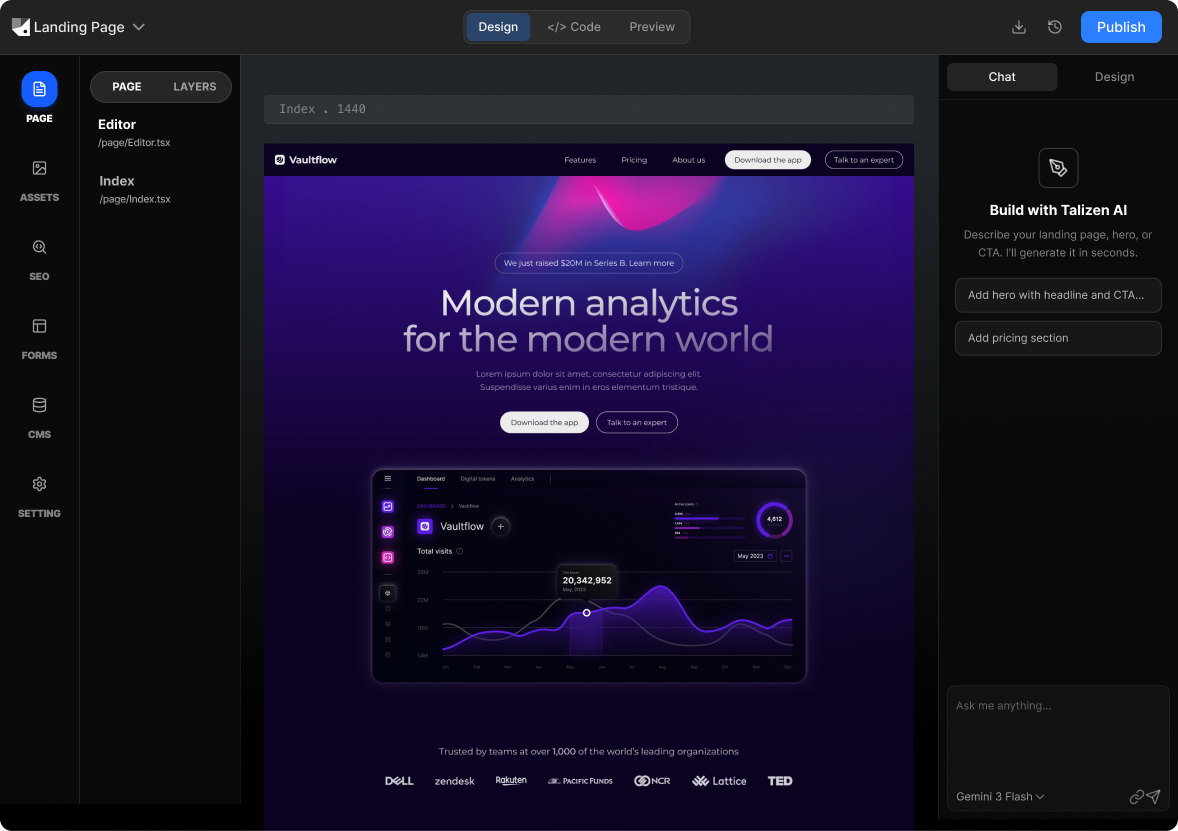
Talizen converts Figma designs into clean, semantic HTML and CSS using AI. Import your file, tweak in the visual editor, and export code you can host anywhere.
## What you get
### Built for conversion.
#### AI generation
Describe your offer or import Figma; AI creates a conversion-focused landing page.
[Get started](/)
#### Visual editing
Update headlines, CTAs, and layout without code.
[Get started](/)
#### Code export
Get React/Next.js or HTML/CSS for your stack.
[Get started](/)
#### Instant deploy
Publish to a live URL or export and host elsewhere.
[Get started](/)
## How It Works
### Three steps to a live page.
01
#### Import Figma
Link your Figma file; Talizen parses frames and styling.
02
#### AI generates HTML
AI produces semantic HTML and clean CSS from your design.
03
#### Edit & export
Refine in the editor, then export HTML/CSS or deploy.
## Built with Talizen.
Real projects, generated and shipped in minutes.
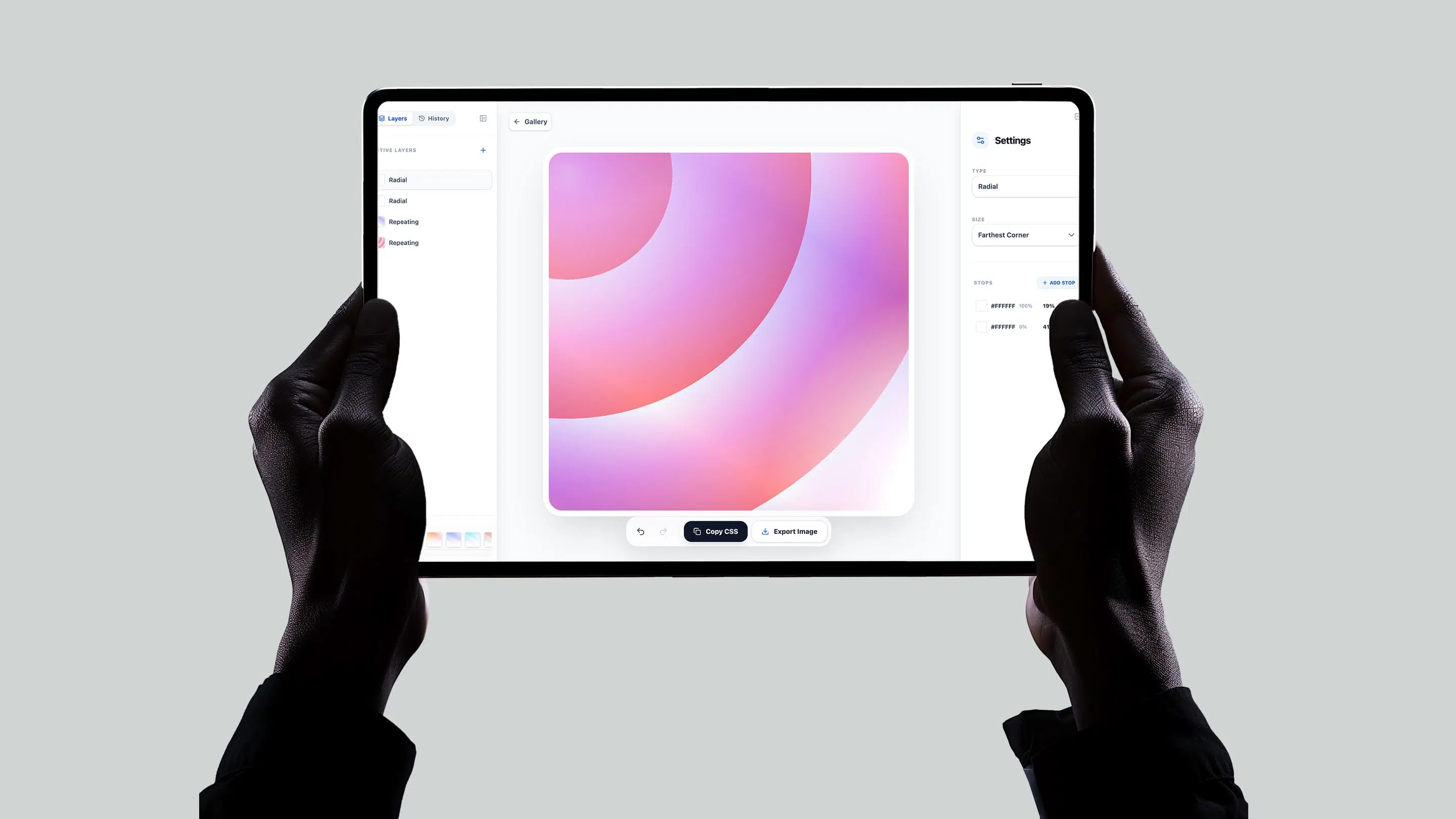
Merry Gradient

AI Landing Page
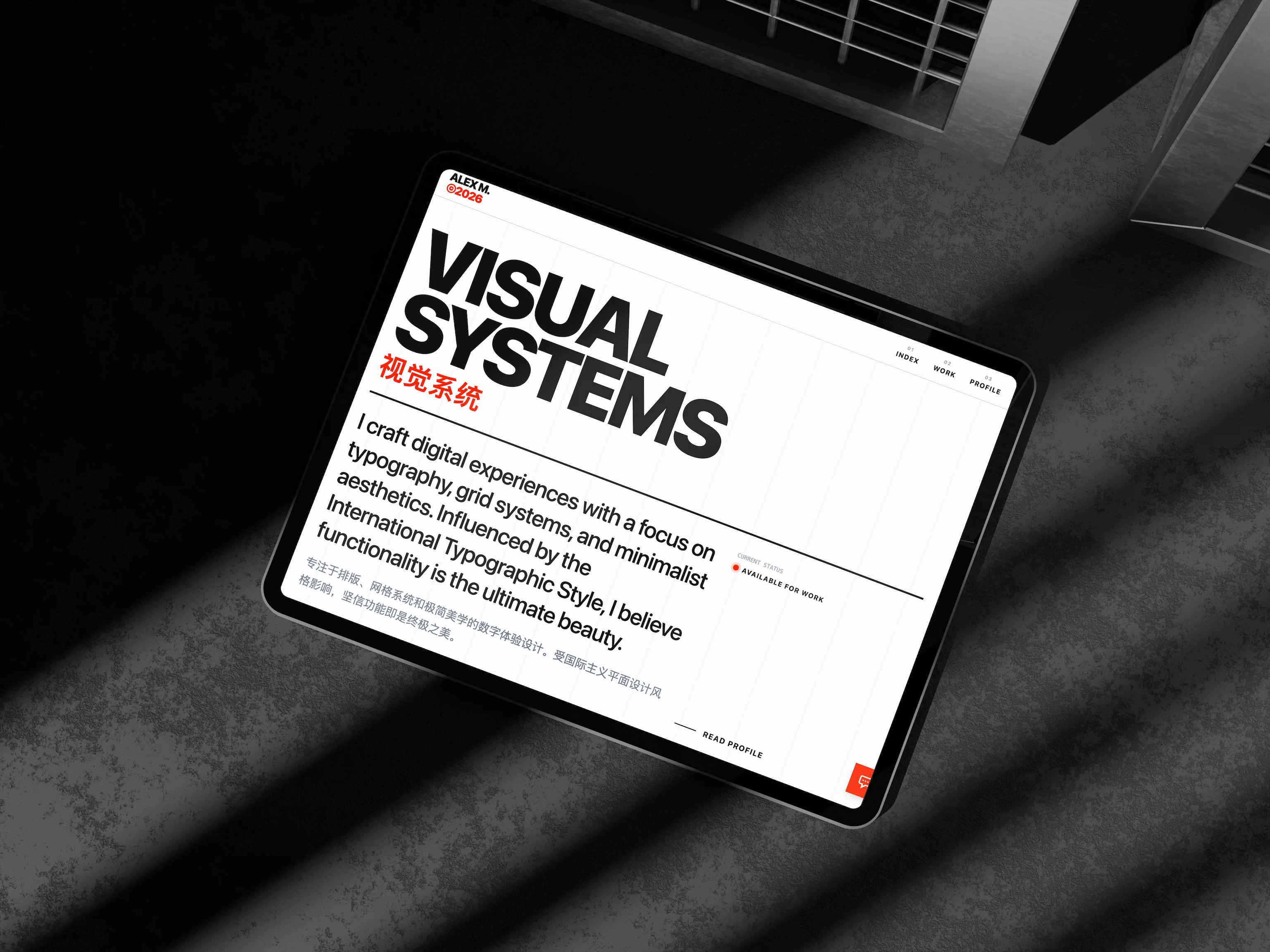
Personal Portfolio
[View more→](/templates.md)
## FAQ
### Common questions.
Does Talizen output vanilla HTML or a framework?
Vanilla HTML5 and CSS3 by default. You can also choose React or Next.js if you prefer a framework.
Is the HTML accessible?
Yes. Talizen generates semantic HTML with proper ARIA labels, alt attributes, and keyboard navigation support.
Can I use the HTML output with WordPress or other CMS?
Yes. The clean HTML structure is easy to integrate into WordPress templates or any CMS that accepts custom HTML.
Will the output look exactly like my Figma design?
Very closely. Talizen preserves spacing, typography, colors, and layout—minor browser-specific differences may apply.
Do I need a Figma plugin for HTML export?
No. Paste your Figma URL and Talizen generates HTML/CSS—no plugin or account linking required.
Can I host the HTML on GitHub Pages or Netlify?
Yes. Static HTML/CSS deploys anywhere—GitHub Pages, Netlify, Vercel, or any static host.
## Idea. Build. Own.
Your next website starts here — built by AI, owned by you, live in minutes.
[Start with Talizen→](/)
[](/)
[X](https://x.com/creght2023)[YouTube](https://www.youtube.com/watch?v=v2ie6aM0BrQ)
#### Solutions
[AI Website Builder](/solutions/ai-website-builder.md) [AI Landing Page Builder](/solutions/ai-landing-page-builder.md) [Figma to Website](/solutions/figma-to-website.md) [Figma to React](/solutions/figma-to-react.md)
#### Company
[Contact Us](/contact.md)Blog [Abuse Report](/abuse.md)
#### Resources
[Help Center](/docs/start.md) [API for AI](/api.md) [Templates](/templates.md) [Talizen vs Framer](/vs/framer.md) [Talizen vs Webflow](/vs/webflow.md) [Talizen vs Lovable](/vs/lovable.md)
#### Tools
[Particleify](https://particleify.talizen.com/) [MerryGradient](http://merrygradient.talizen.com/)
> 全站页面清单:[/llms.txt](/llms.txt)