Convert Figma to Code with AI
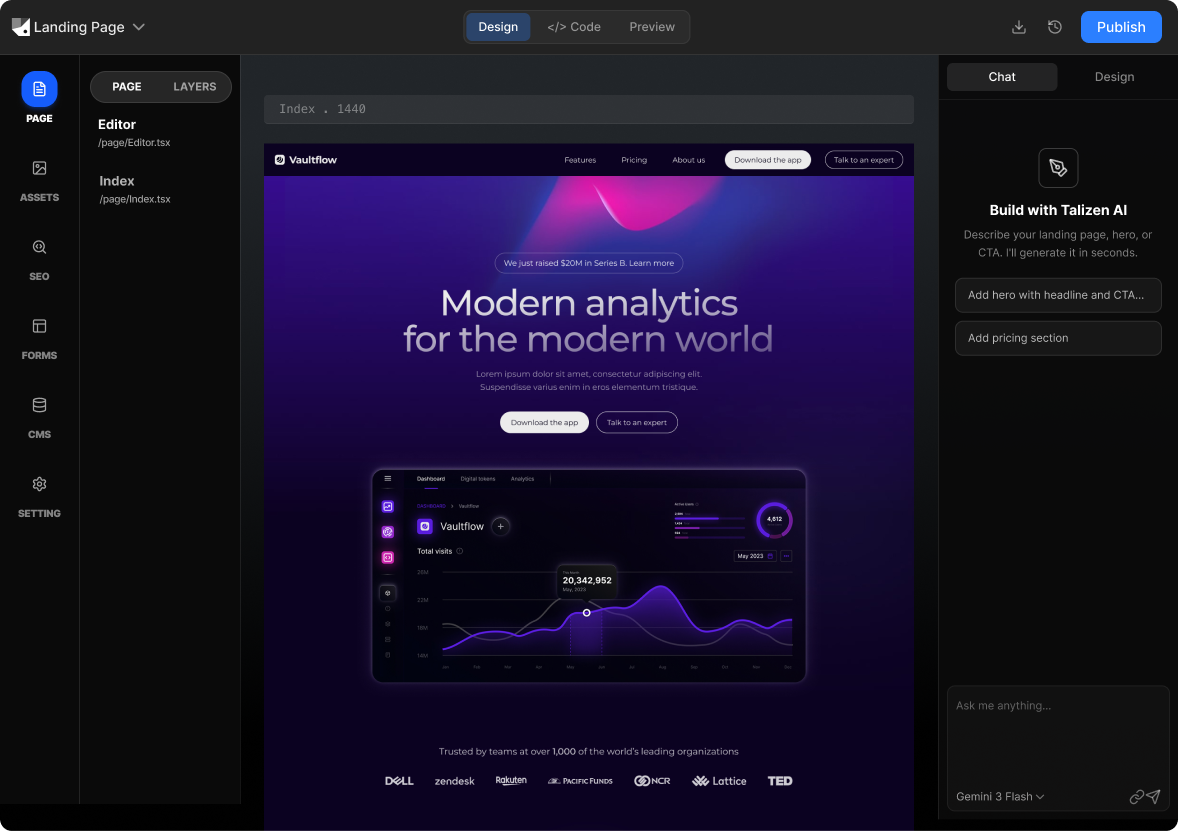
Talizen converts Figma to code using AI. Import your Figma file, get production-ready React, Next.js, or HTML/CSS. Edit visually, export code, and deploy—all in one place.
What you get
Built for conversion.
AI generation
Describe your offer or import Figma; AI creates a conversion-focused landing page.
Get startedHow It Works
Three steps to a live page.
Import Figma
Link your Figma file or paste a link; Talizen parses your design.
AI generates code
AI produces clean, production-ready code in your chosen format.
Edit & export
Refine in the visual editor, then export code or deploy.
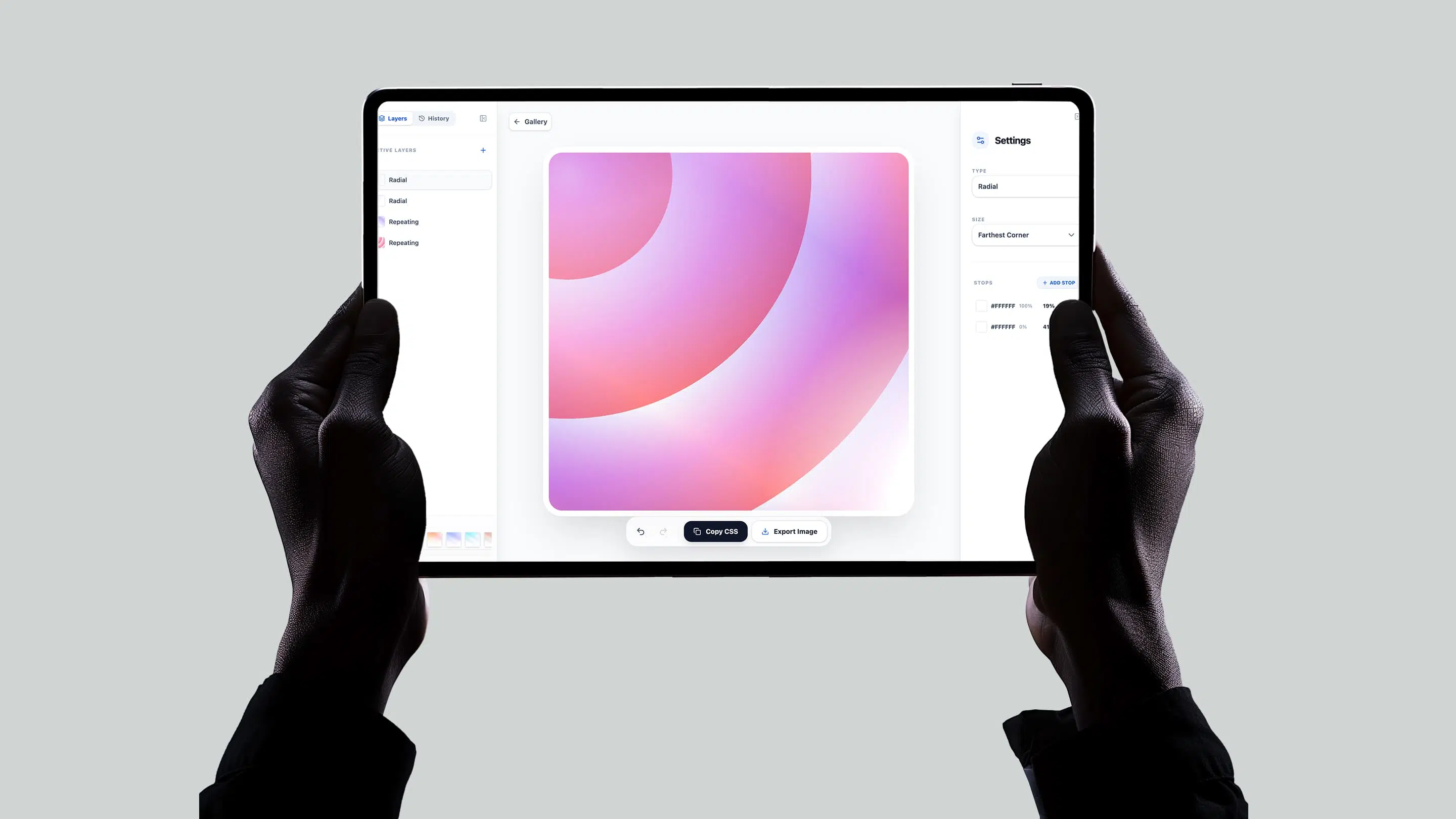
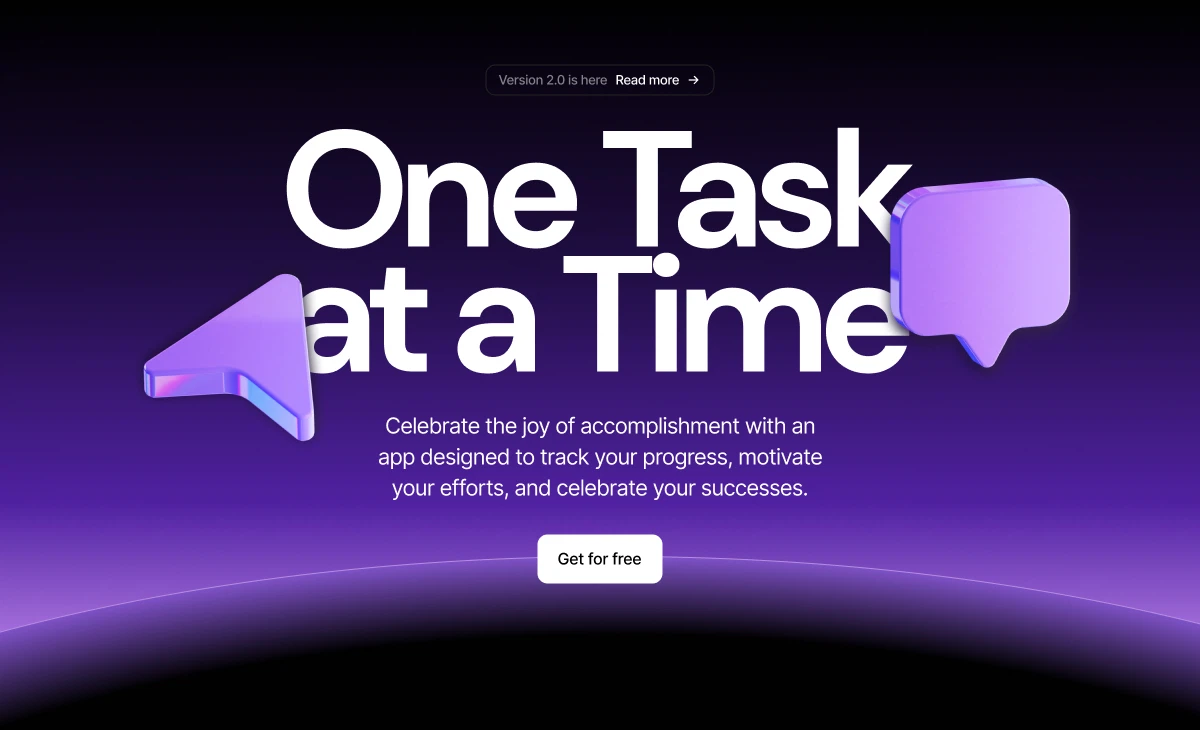
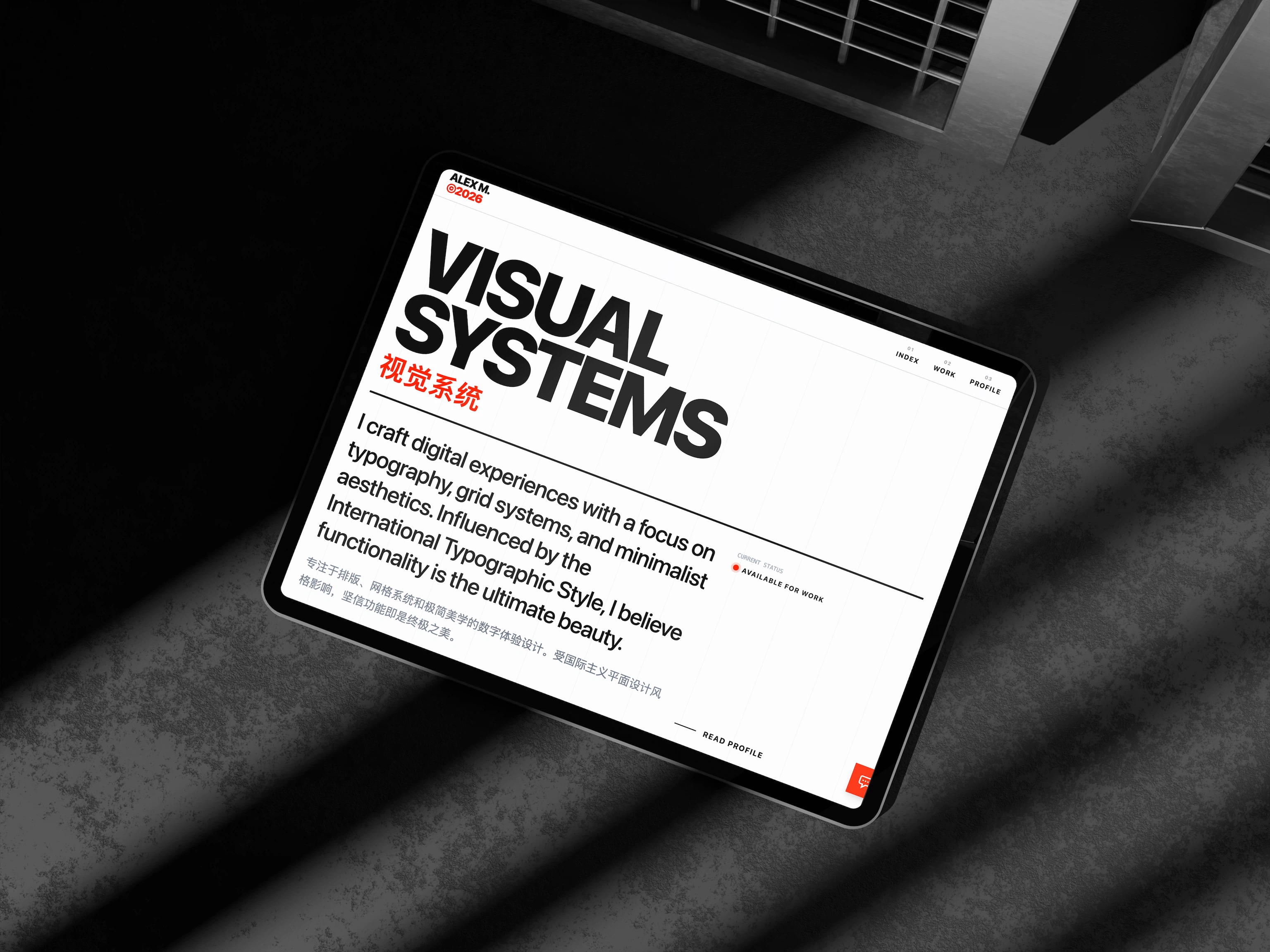
Built with Talizen.
Real projects, generated and shipped in minutes.
FAQ
Common questions.
React, Next.js, or semantic HTML/CSS. Choose the format that fits your stack.
Production-ready. The exported code compiles, runs, and deploys without modification.
Very. Talizen preserves spacing, typography, colors, and layout from your Figma file.
Yes. Refine layout, copy, and styles in the browser—all changes are reflected in the exported code.
Organized, named layers produce better results—but Talizen works with most Figma file structures.
Yes. The code is clean and readable—any developer can pick it up and extend it.