Figma to Website Converter
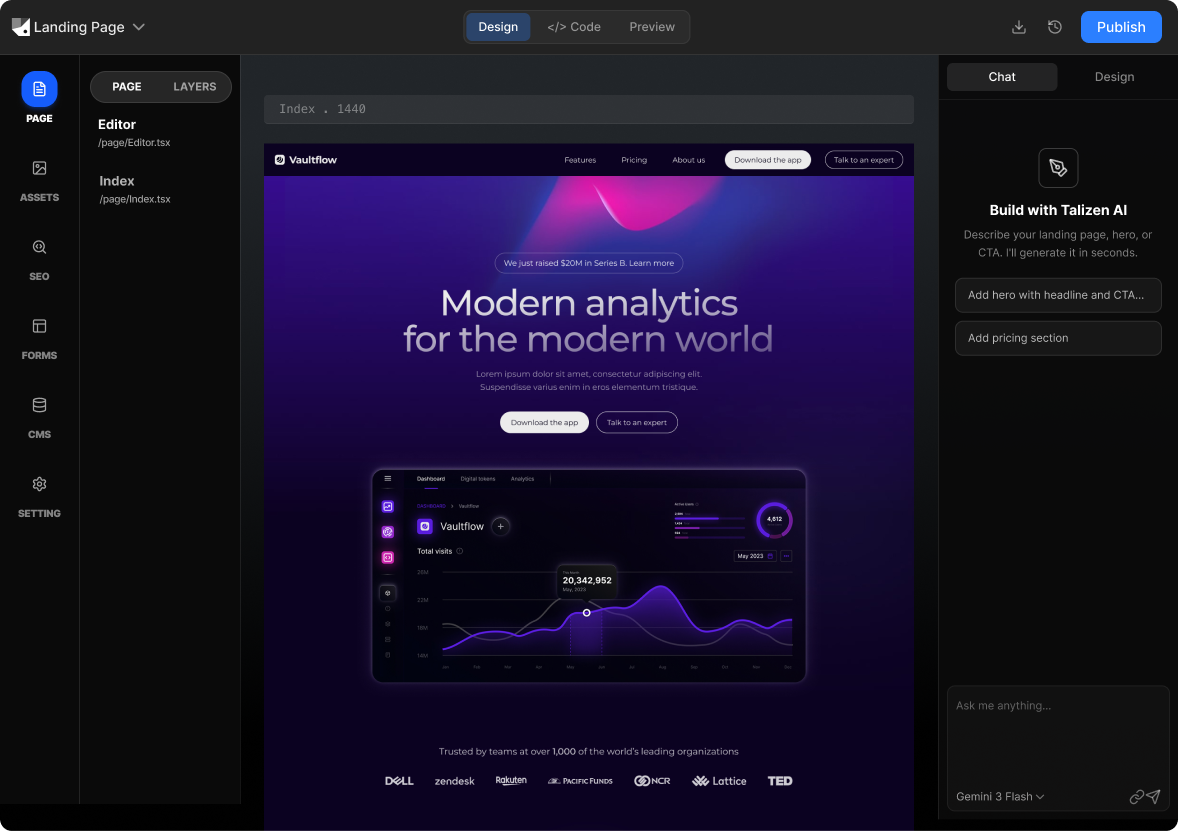
Talizen lets you convert Figma designs into production-ready websites using AI. Import your Figma files, edit visually, export clean code, and deploy in minutes.
What you get
Built for conversion.
AI generation
Describe your offer or import Figma; AI creates a conversion-focused landing page.
Get startedHow It Works
Three steps to a live page.
Import Figma
Link your Figma file or upload a design; Talizen reads frames and components.
AI generates website
AI turns your design into a responsive, accessible website.
Edit & export
Tweak in the visual editor, then export code or deploy directly.
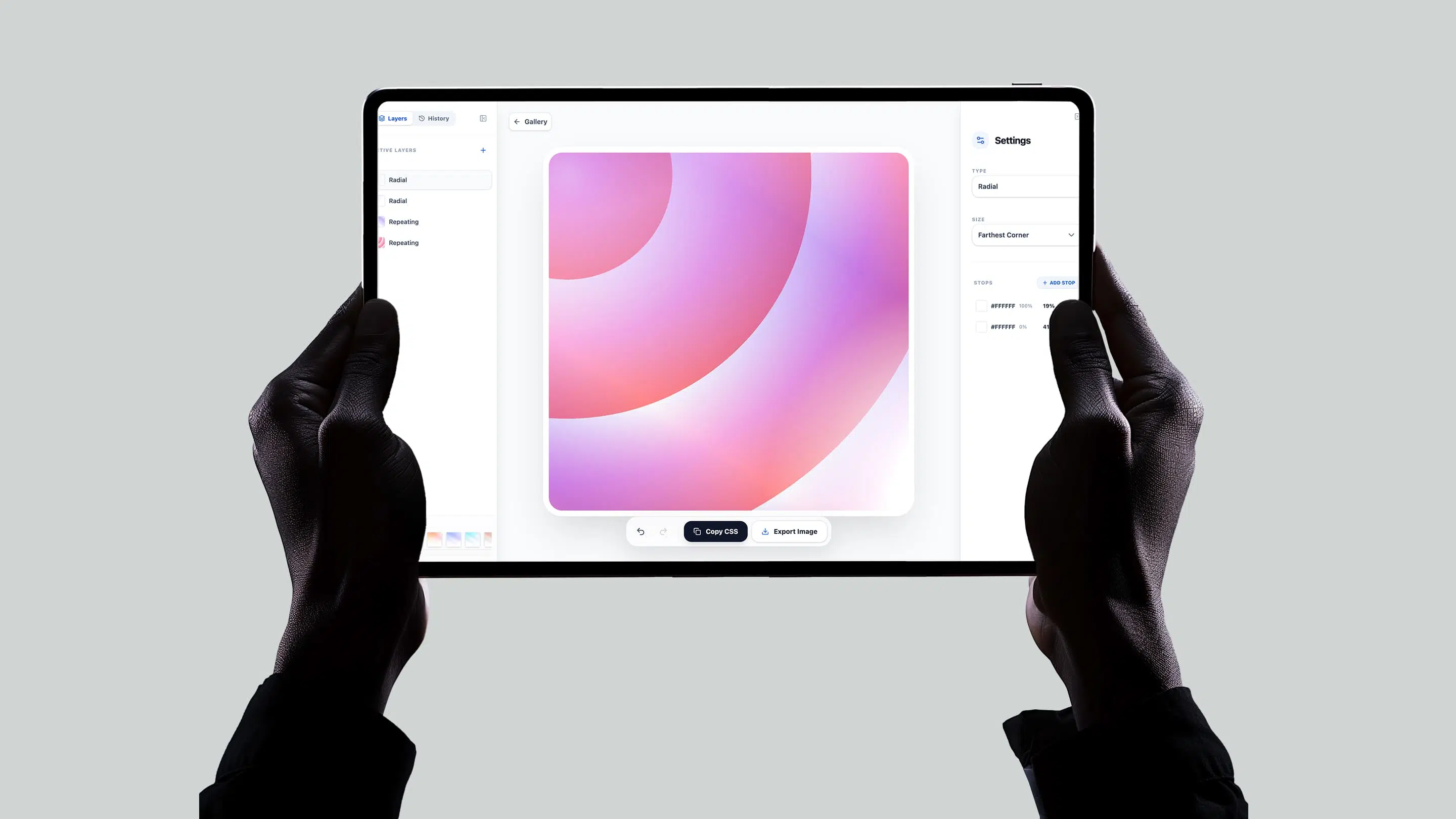
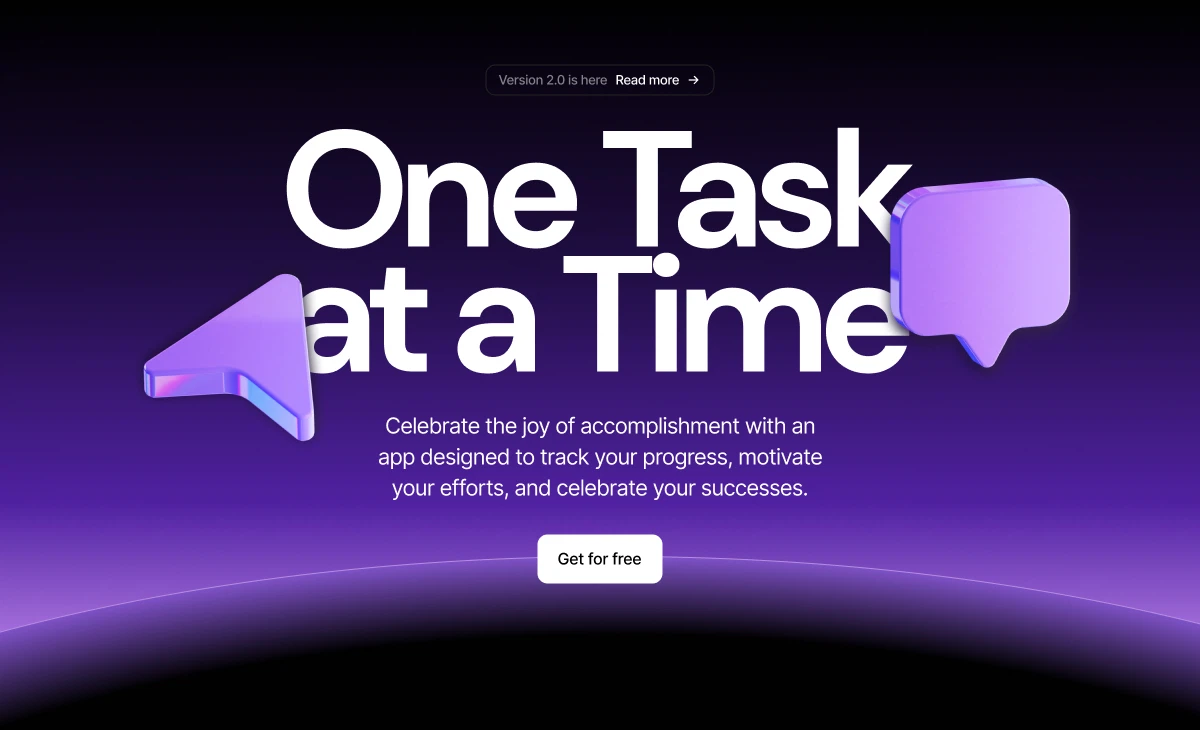
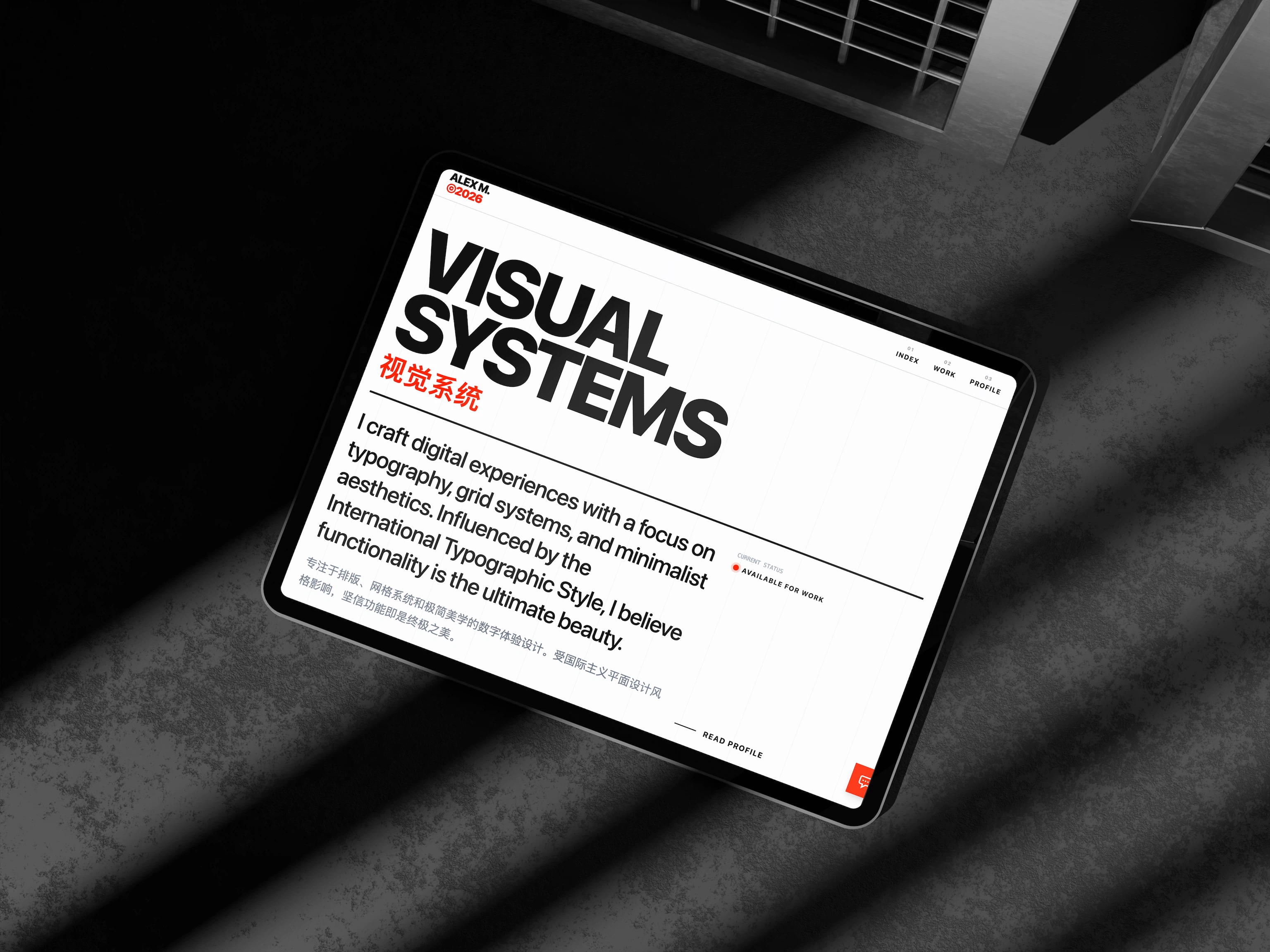
Built with Talizen.
Real projects, generated and shipped in minutes.
FAQ
Common questions.
Very. Talizen preserves spacing, typography, colors, and responsive behavior from your Figma file.
No plugins required. Just paste your Figma file URL and Talizen handles the rest.
Yes—use the visual editor to adjust anything post-import, or export the code and edit it directly.
Talizen can convert individual frames or entire multi-page Figma files into a full website.
Yes. Export the code and deploy to Vercel, Netlify, or any host—you keep full ownership.
Yes. Generated sites are fully responsive and match your Figma breakpoints where defined.