Figma to Landing Page Converter
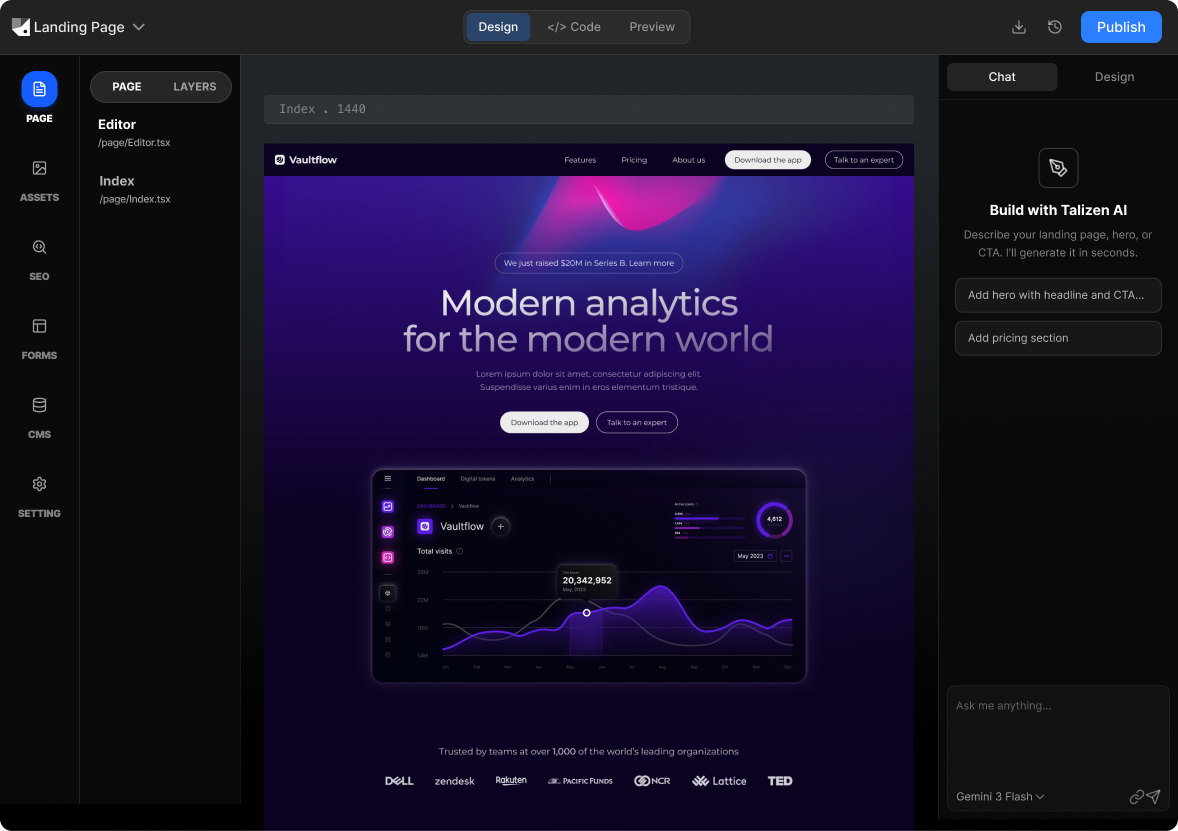
Talizen converts Figma designs into ready-to-use landing pages with AI. Import your design, edit copy and layout visually, and deploy or export code for your stack.
What you get
Built for conversion.
AI generation
Describe your offer or import Figma; AI creates a conversion-focused landing page.
Get startedHow It Works
Three steps to a live page.
Import Figma
Connect your Figma file; Talizen reads your landing page frames.
AI generates landing page
AI turns the design into a responsive, conversion-ready page.
Edit & export
Tweak in the editor, then export code or deploy.
Built with Talizen.
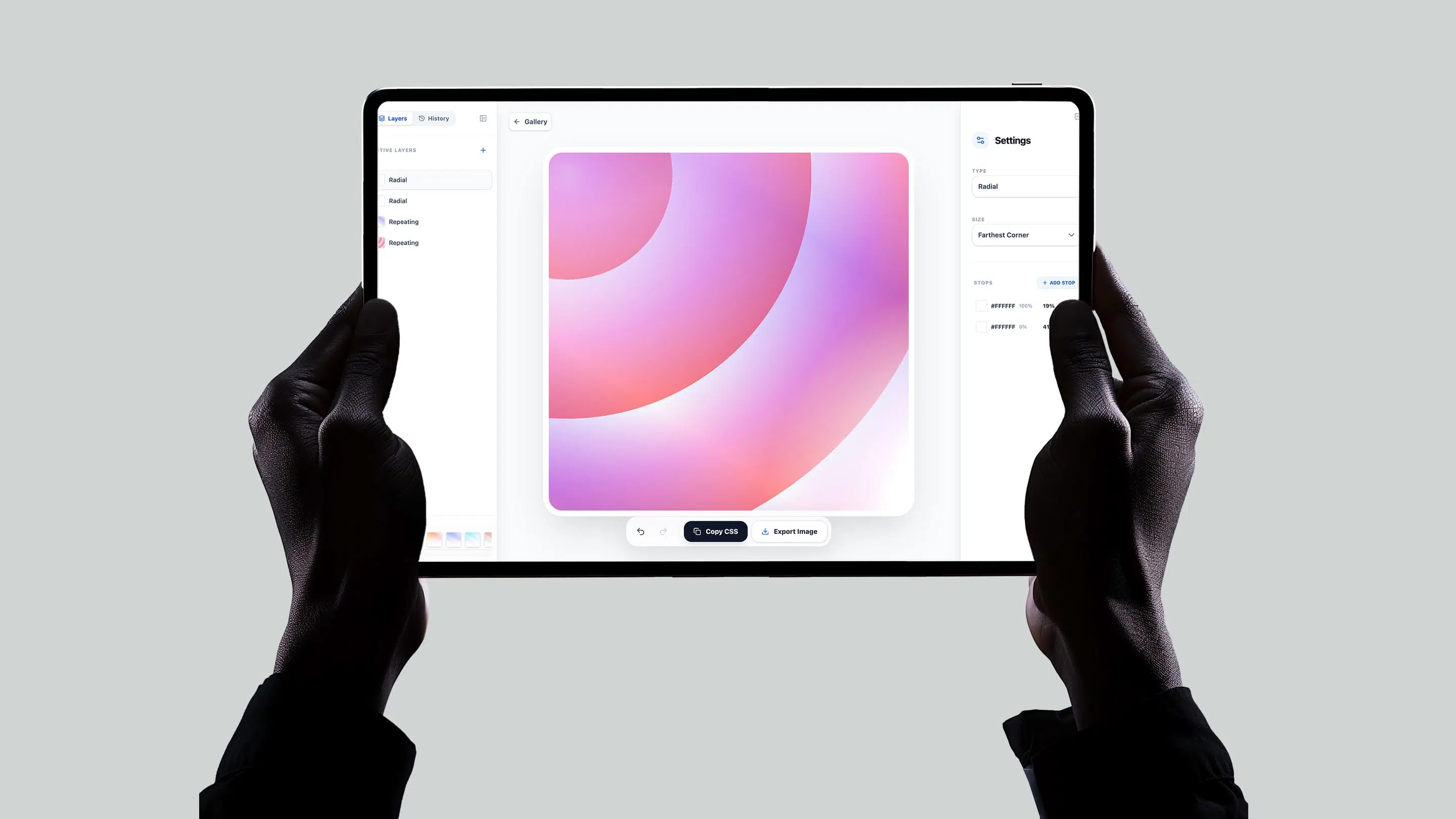
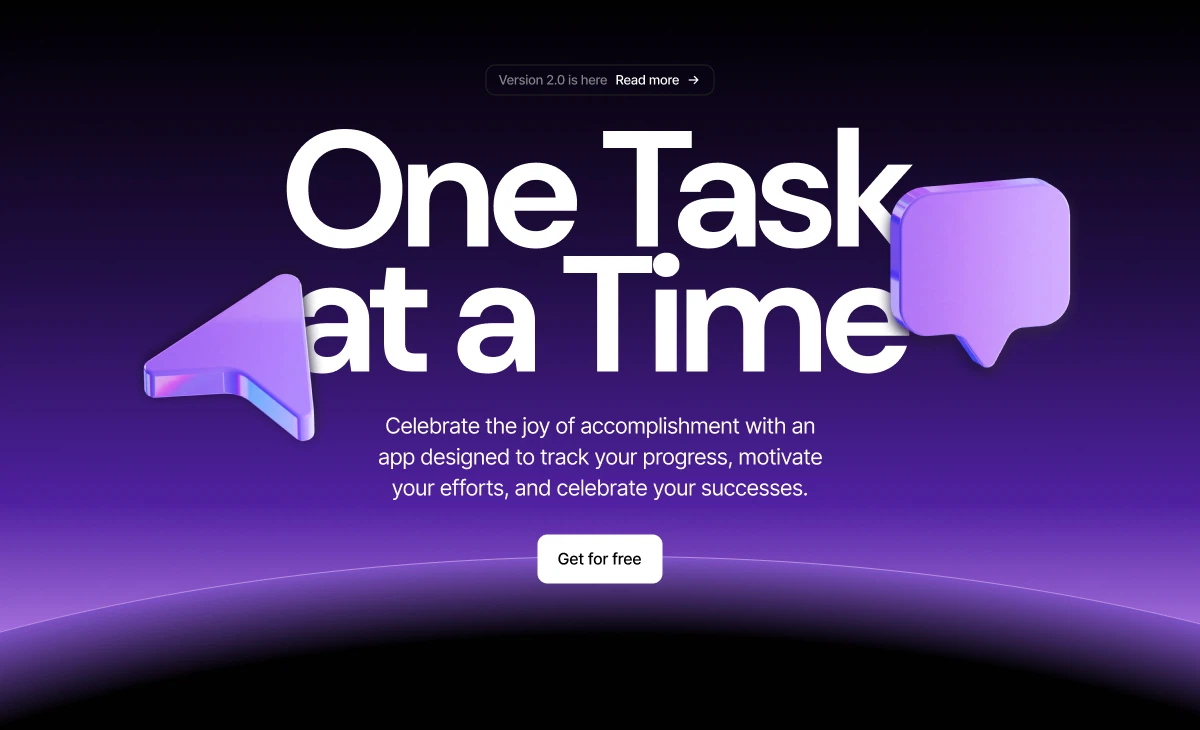
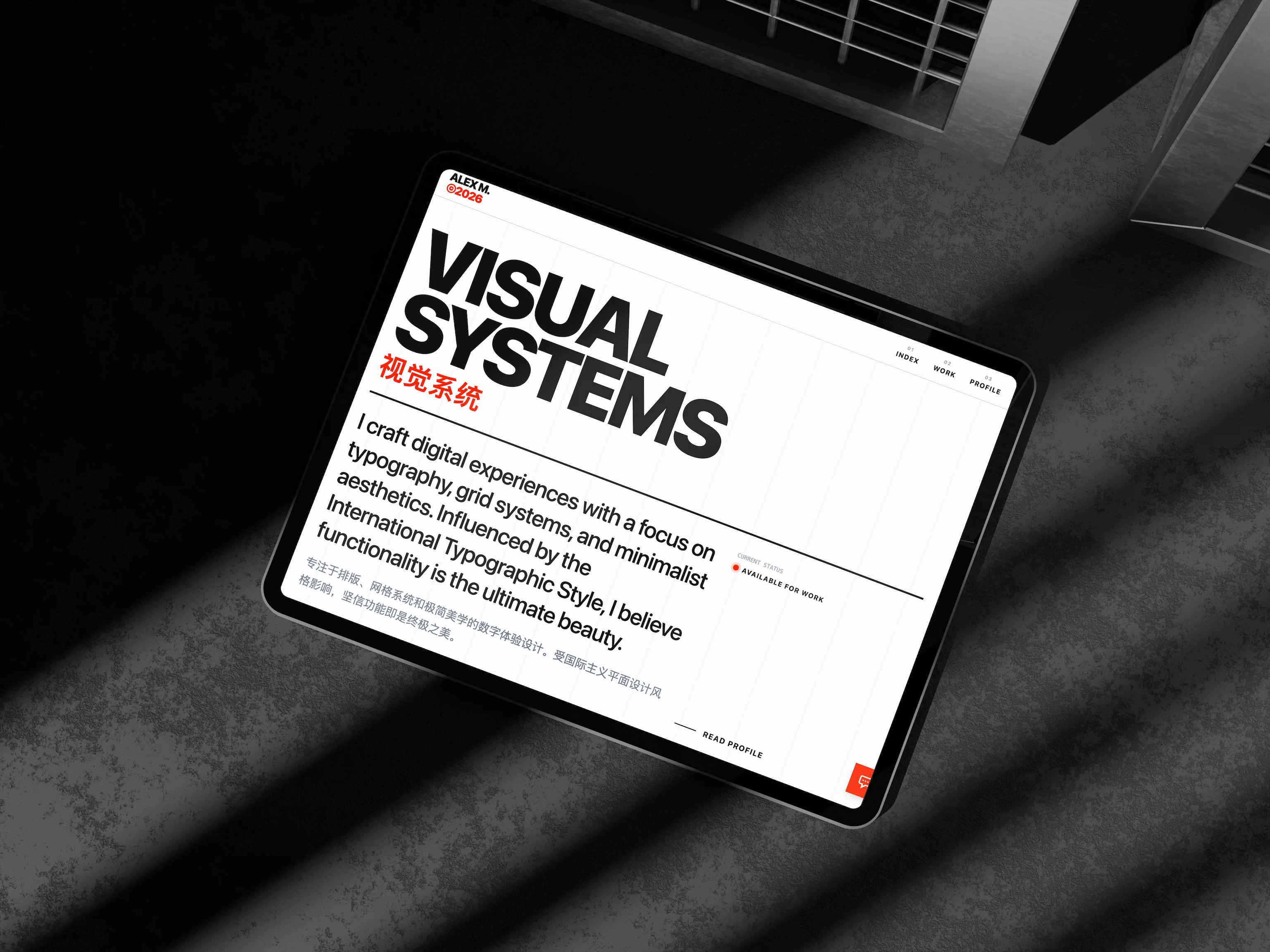
Real projects, generated and shipped in minutes.
FAQ
Common questions.
Yes. Talizen converts all sections—hero, features, testimonials, pricing, CTA, footer—into a complete landing page.
Yes. Import multiple Figma designs and deploy them as separate pages for split testing.
Yes. Talizen generates optimized, lightweight code with proper image handling and fast load times.
Yes. The exported code supports any third-party script—Google Analytics, Hotjar, Meta Pixel, etc.
Yes. Use the visual editor to change any text or button without touching code.
Yes. Landing pages from Talizen are responsive and conversion-optimized for all devices.