Figma to Next.js Converter

Talizen lets you convert Figma designs into production-ready Next.js websites using AI. Import your Figma files, edit visually, export clean code, and deploy instantly.
What you get
Built for conversion.
AI generation
Describe your offer or import Figma; AI creates a conversion-focused landing page.
Get startedHow It Works
Three steps to a live page.
Import Figma
Link your Figma file or paste a link; Talizen reads frames and components.
AI generates Next.js
AI turns your design into a responsive Next.js site.
Edit & export
Refine in the visual editor, then export code or deploy.
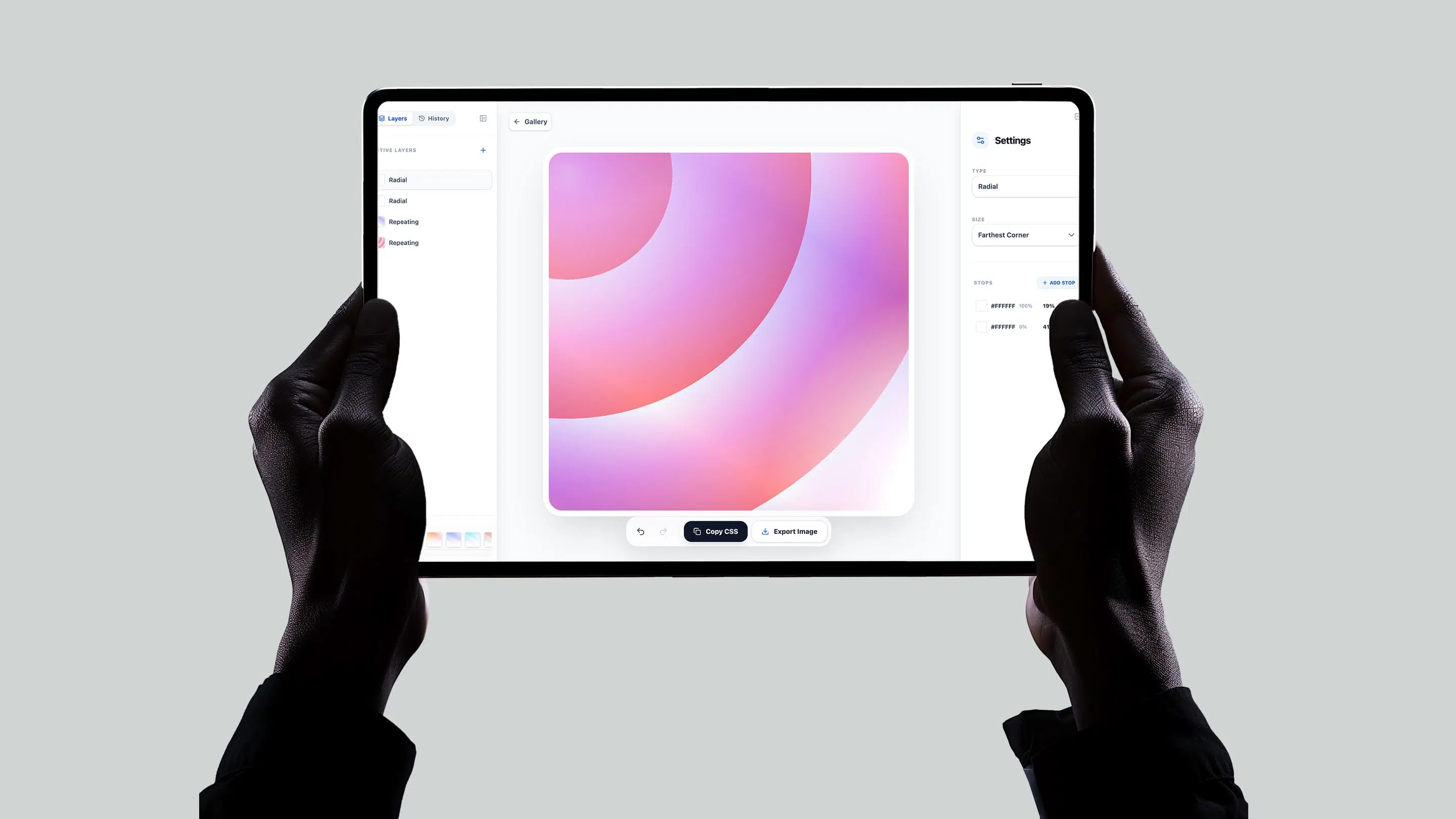
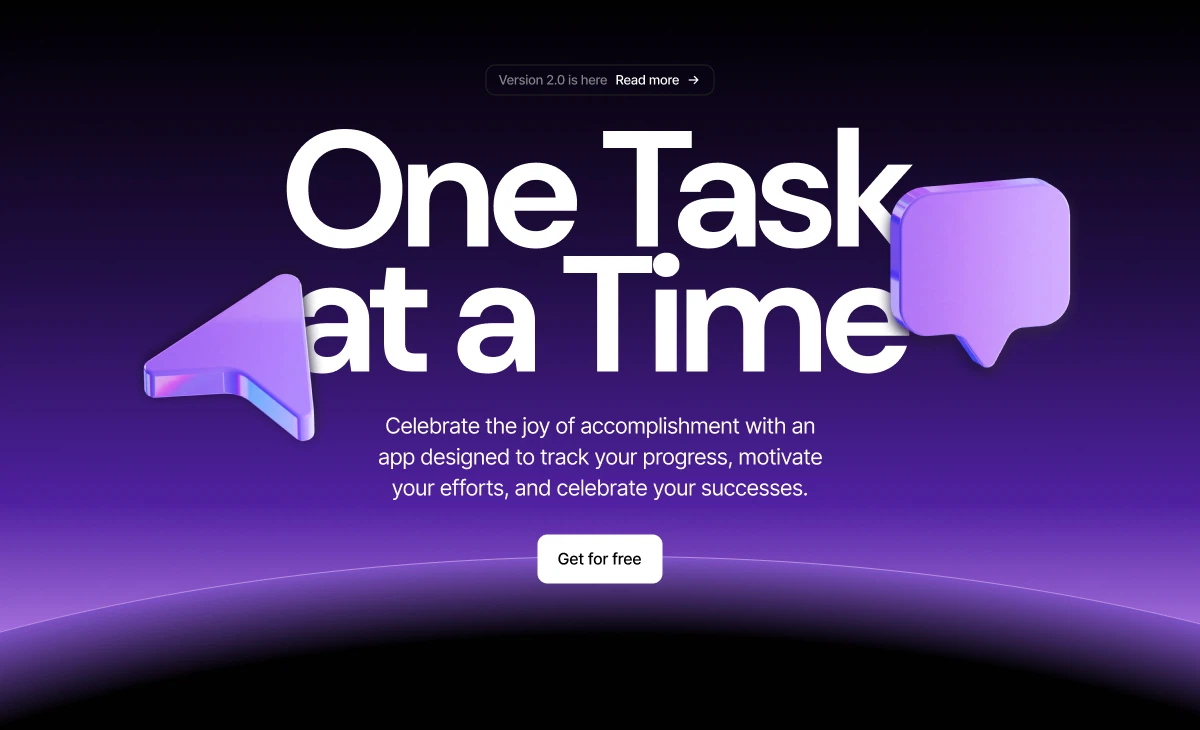
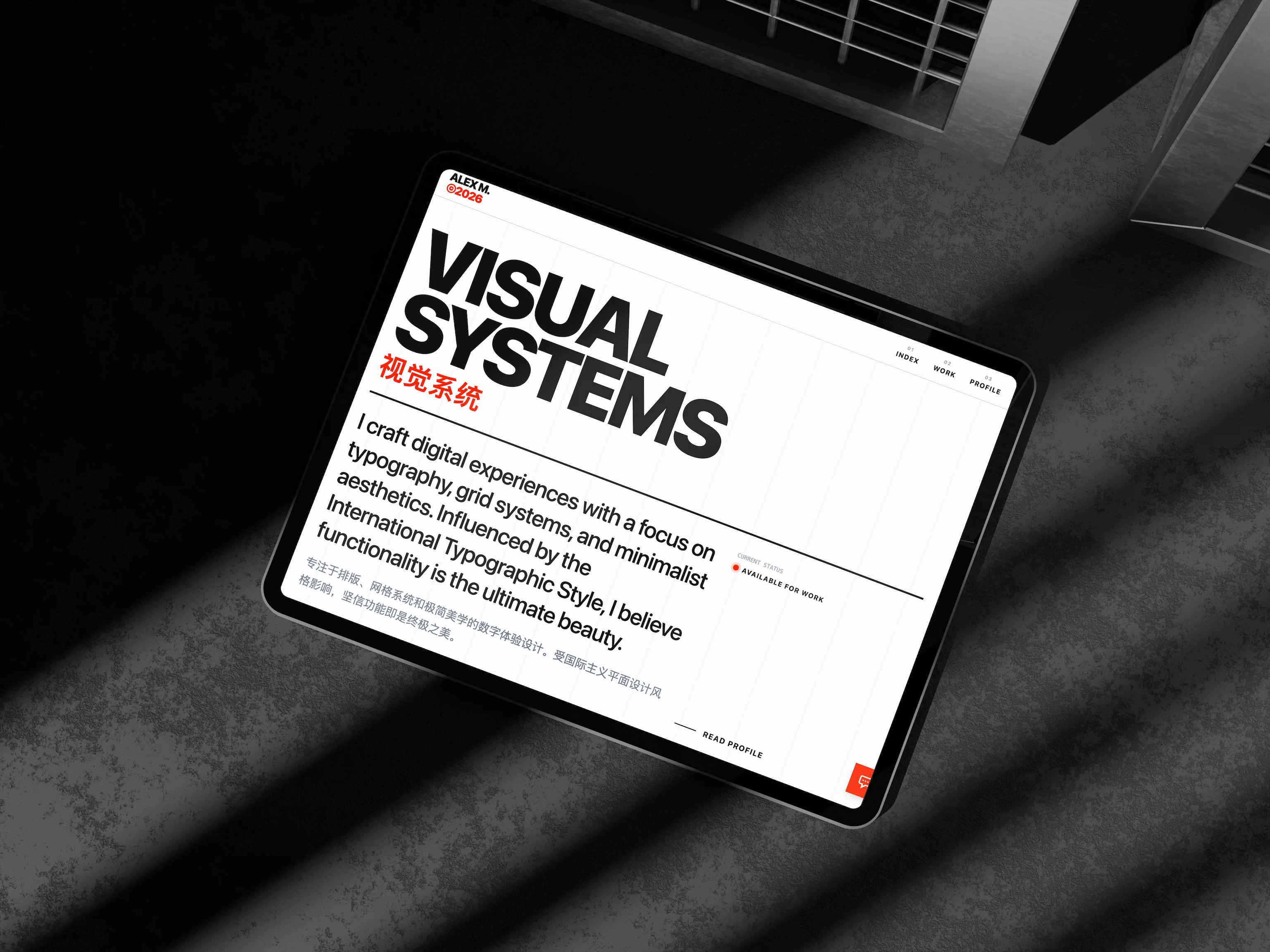
Built with Talizen.
Real projects, generated and shipped in minutes.
FAQ
Common questions.
Next.js 14 with App Router by default. Pages Router output is also available on request.
Yes. Talizen generates server components by default, with proper metadata and semantic HTML for SEO.
Yes—one click from Talizen pushes your project directly to Vercel with no configuration needed.
A full Next.js project—including pages, layout, components, and config files—ready to run with npm install.
No. Paste your Figma file URL and Talizen reads frames and components—no plugin required.
Yes. All components export with full TypeScript types; no shortcuts, production-ready.