Figma to SaaS Website Converter
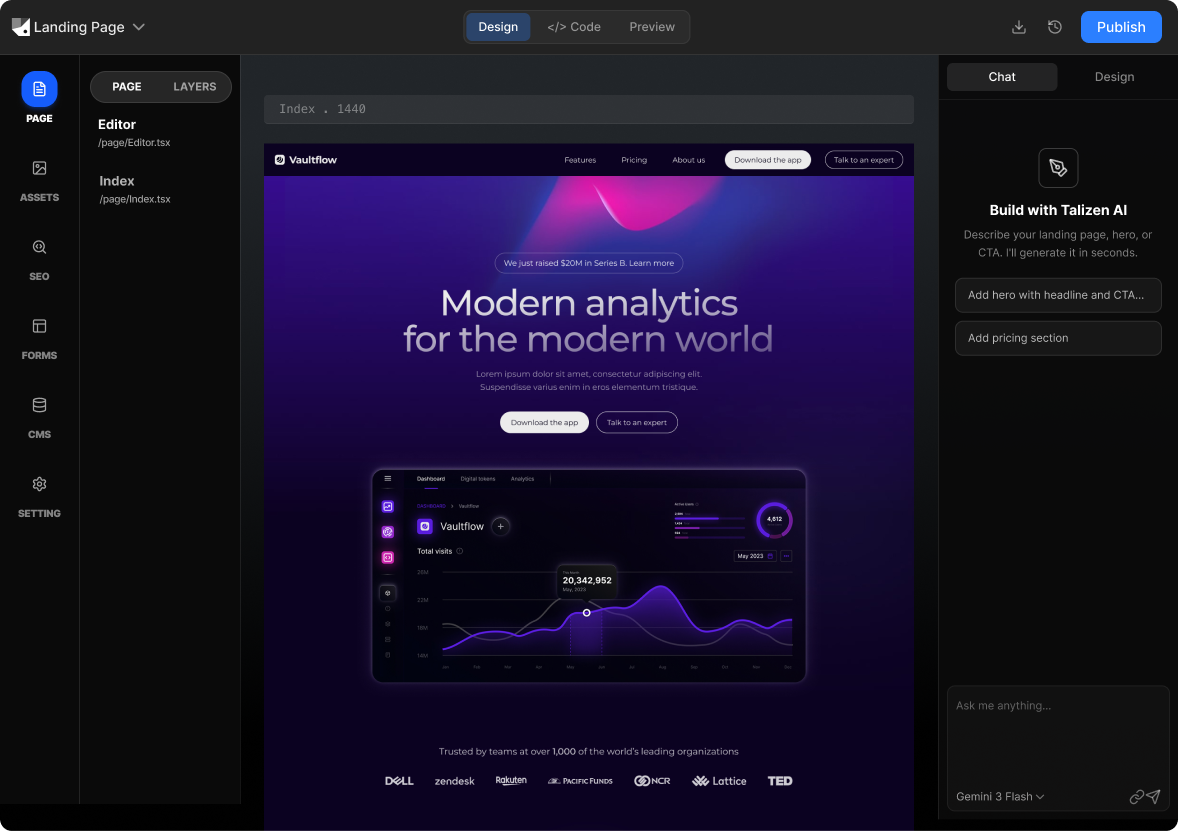
Talizen converts Figma designs into production-ready SaaS websites using AI. Import your Figma file, edit landing and product pages visually, and export React/Next.js code or deploy directly.
What you get
Built for conversion.
AI generation
Describe your offer or import Figma; AI creates a conversion-focused landing page.
Get startedHow It Works
Three steps to a live page.
Import Figma
Link your Figma SaaS design; Talizen reads structure and styling.
AI generates SaaS website
AI turns your design into a responsive, conversion-ready site.
Edit & export
Refine in the editor, then export code or deploy.
Built with Talizen.
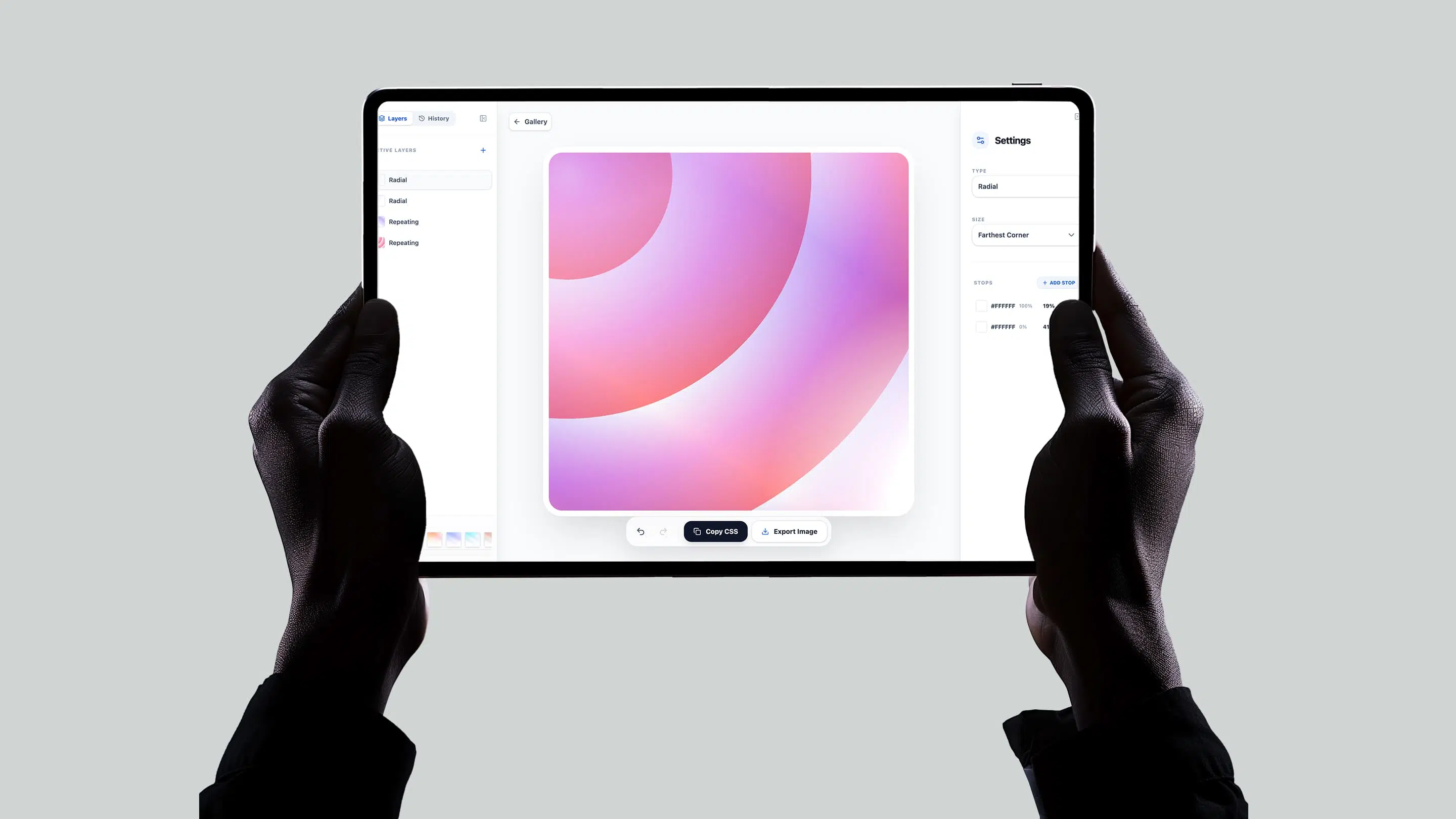
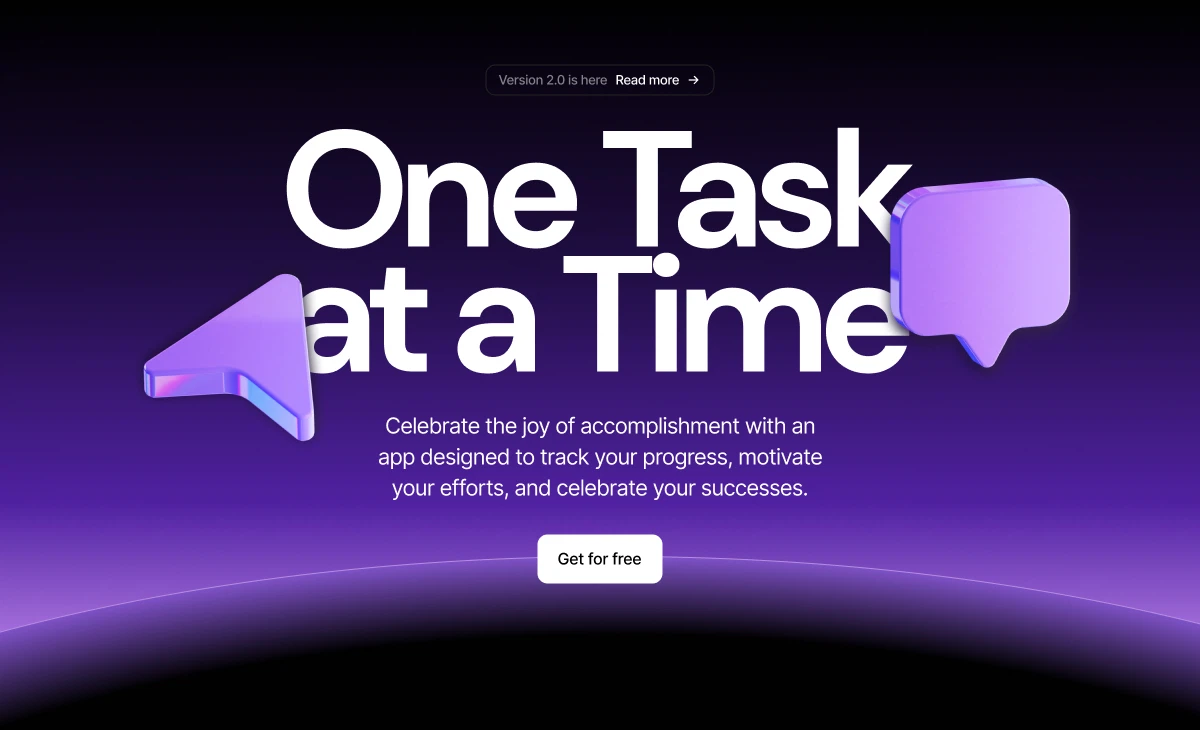
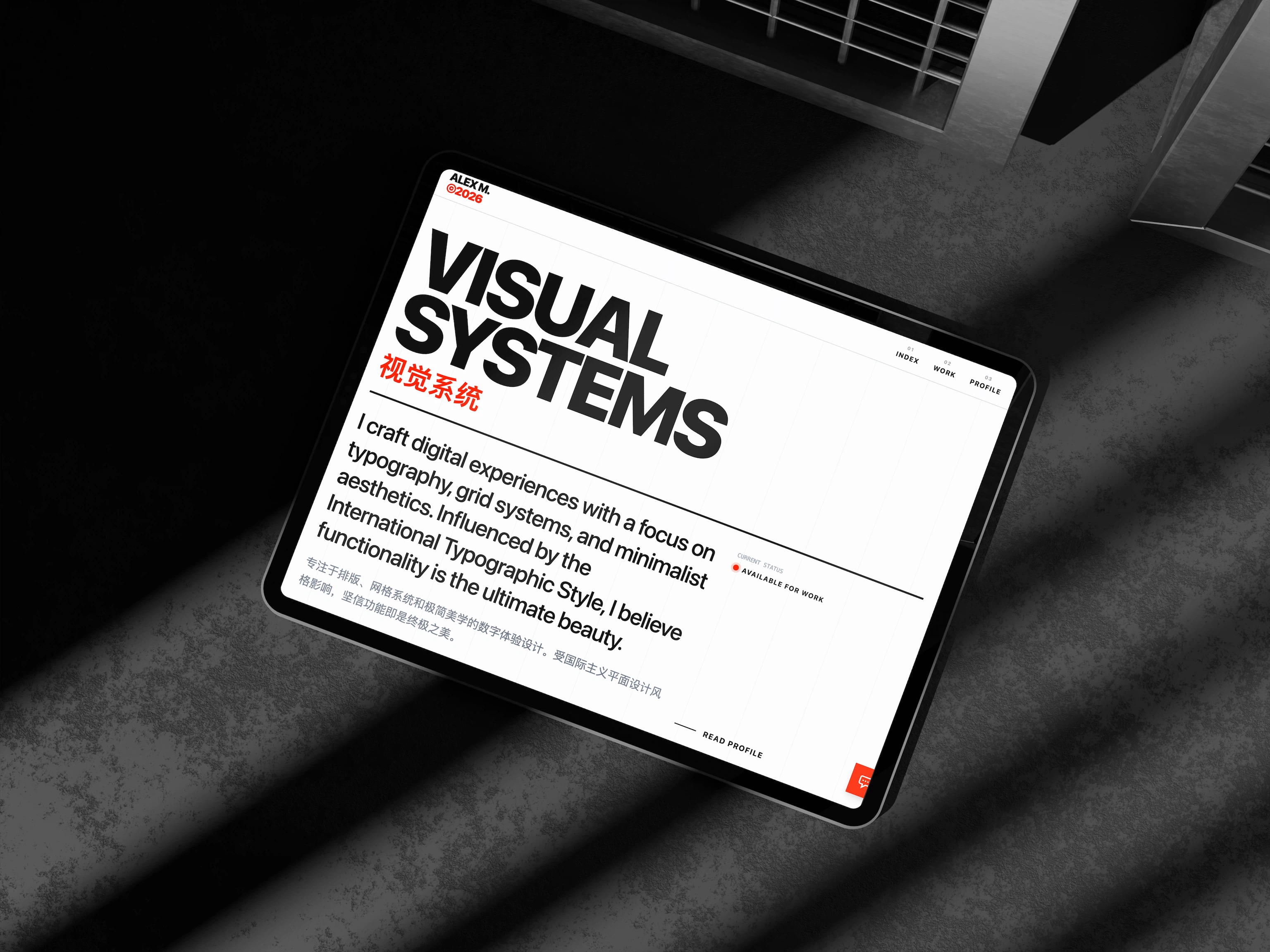
Real projects, generated and shipped in minutes.
FAQ
Common questions.
Yes. Convert your Figma pricing or feature sections into a live SaaS page with clean React/Next.js code.
Yes. The exported code integrates with Clerk, Auth0, Supabase, or any auth provider you use.
Yes. Describe or design your pricing and Talizen generates the UI; you wire up the logic in your app.
Yes. Talizen can generate page structure—connect a headless CMS for content and keep the design from Figma.
Yes. Use the export for your marketing pages and link to your app—same stack, same design language.
Yes. Re-import updated Figma or edit in the visual editor and redeploy—no full rebuild required.