Figma to Web App Converter
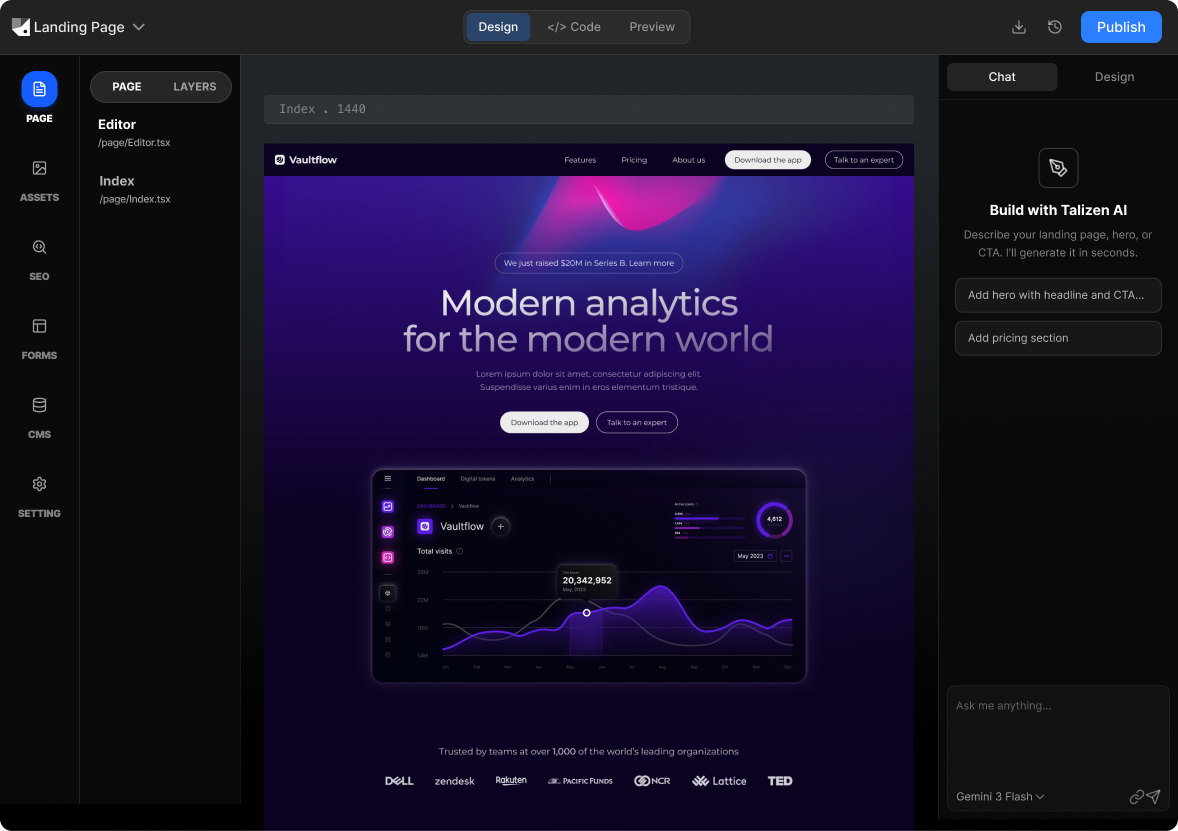
Talizen converts Figma designs into production-ready web app front-ends using AI. Import your Figma file, edit screens visually, and export React or Next.js code you can connect to your backend.
What you get
Built for conversion.
AI generation
Describe your offer or import Figma; AI creates a conversion-focused landing page.
Get startedHow It Works
Three steps to a live page.
Import Figma
Link your Figma web app design; Talizen parses frames and components.
AI generates web app
AI produces responsive, component-based React/Next.js code.
Edit & export
Refine in the editor, then export code or deploy.
Built with Talizen.
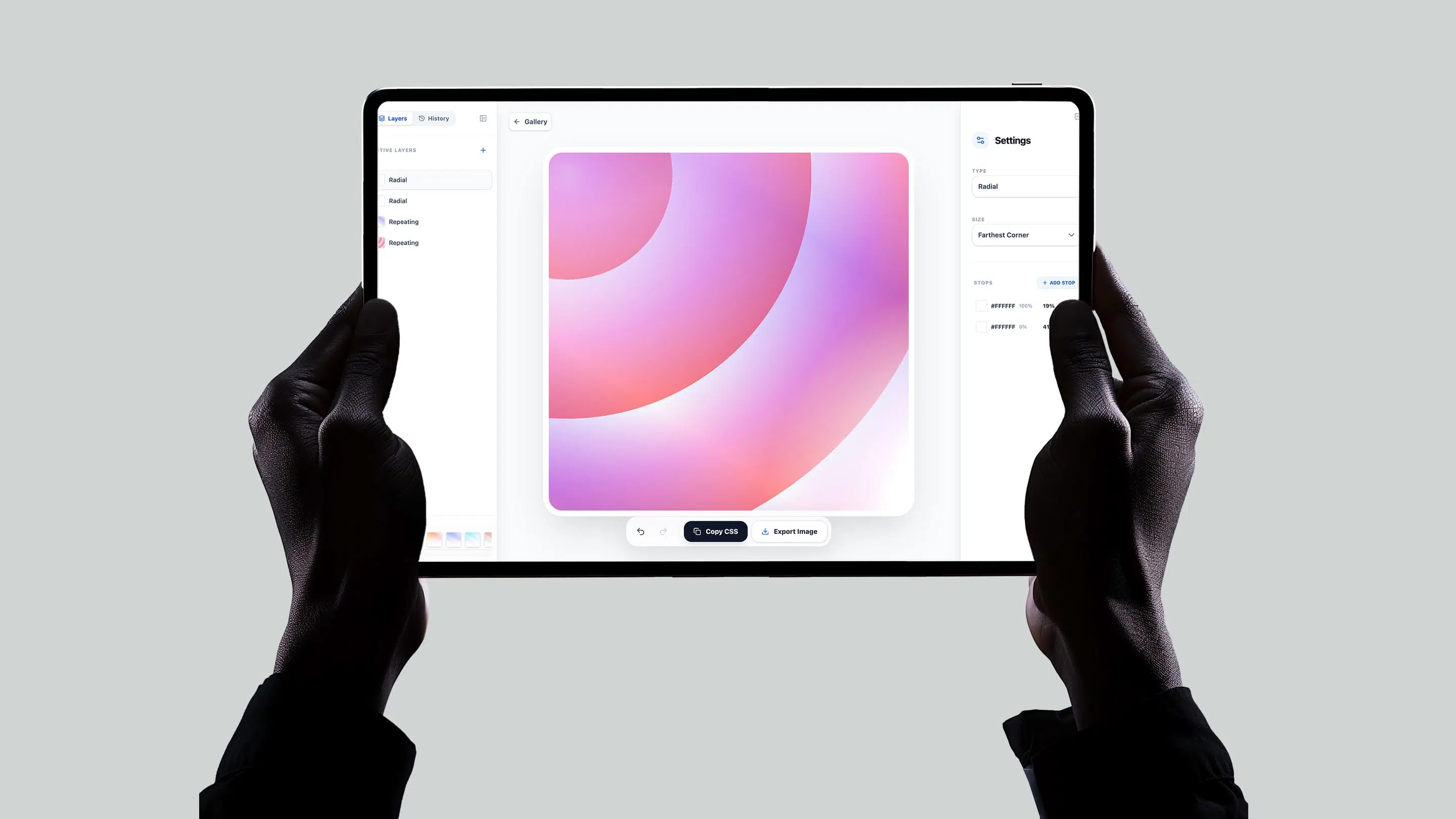
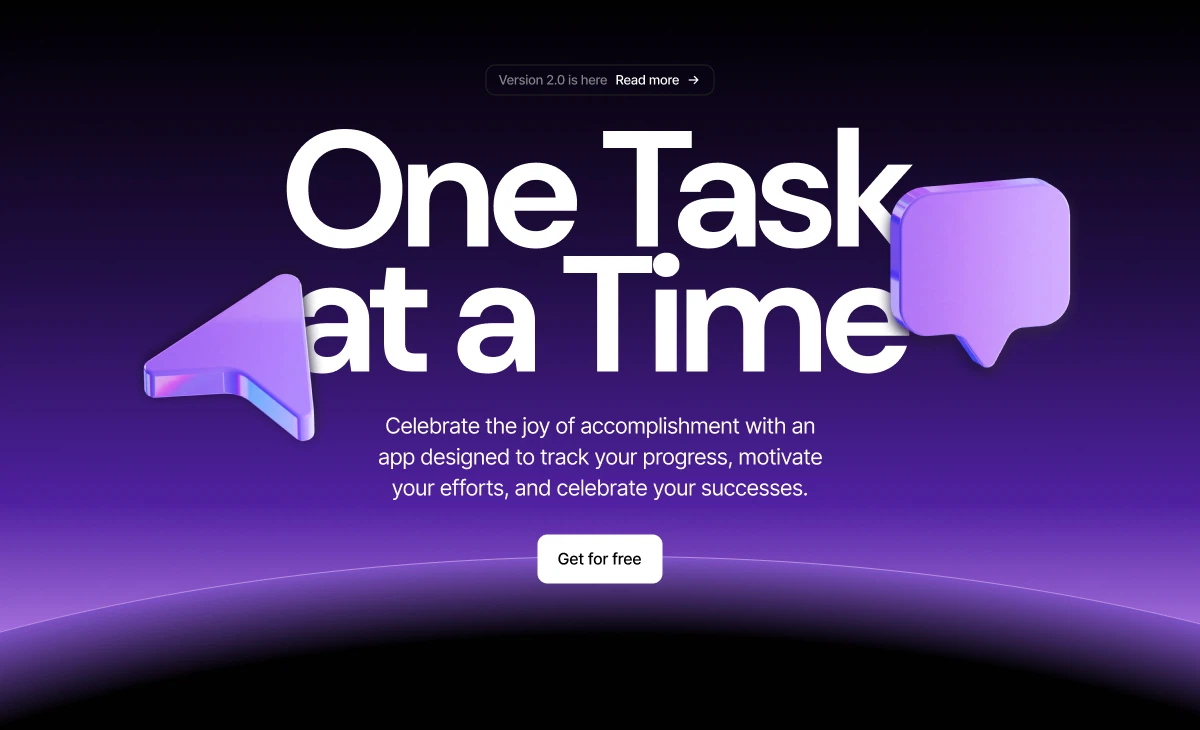
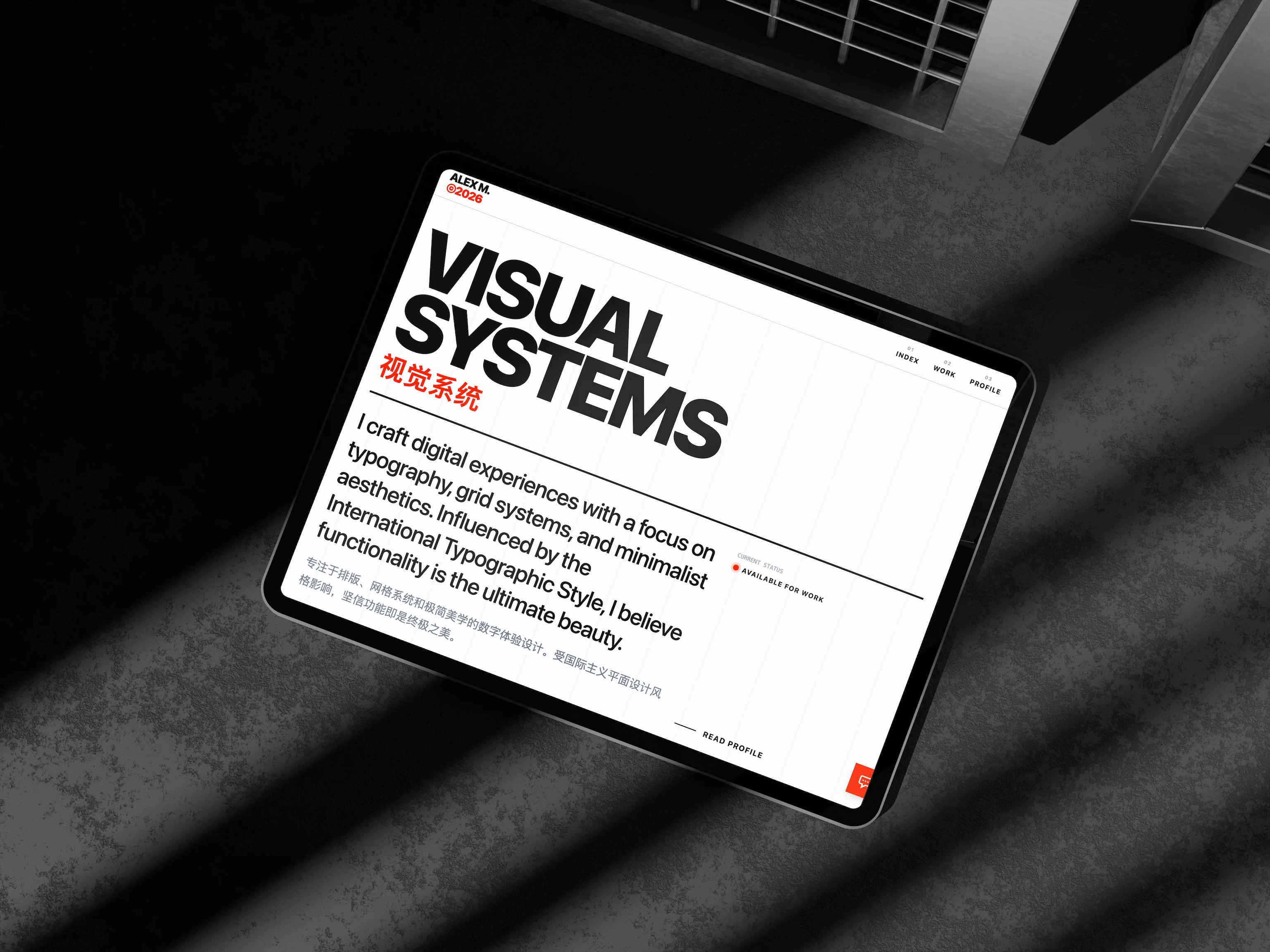
Real projects, generated and shipped in minutes.
FAQ
Common questions.
Talizen generates the front-end (pages and components). Connect your own API, backend, or serverless functions.
Yes. The output is standard React/Next.js—call any API or backend from the client or use Next.js API routes.
Yes. Talizen converts complex Figma layouts (tables, forms, multi-step flows) into usable React components.
Yes. The exported code is plain React—add any state library or context you need.
Yes. Next.js export includes App Router or Pages Router; React export can use React Router.
Yes. One-click deploy or export and connect to your CI/CD—both static and server-rendered setups are supported.