Vue Website Builder
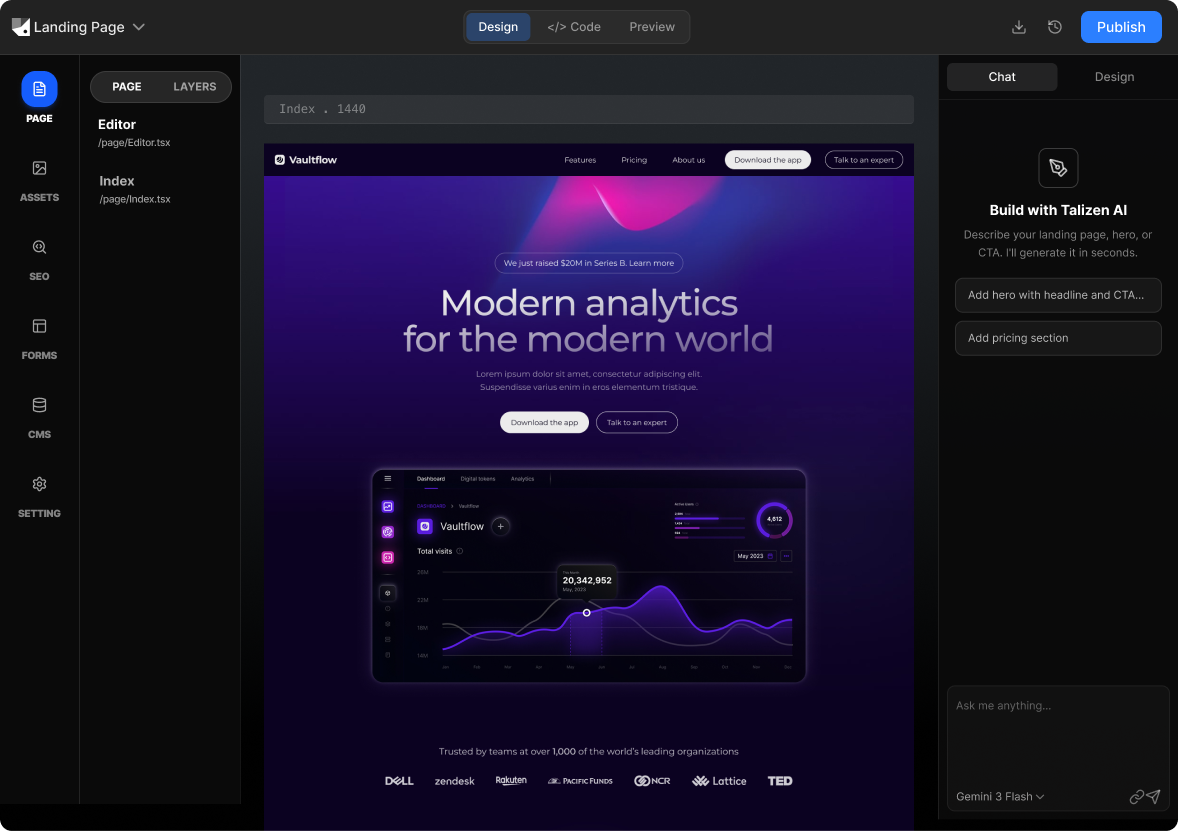
Talizen lets you build websites visually from Figma or a description. Edit in the browser, then export production-ready code. You get React/Next.js or HTML/CSS that you can use as-is or adapt to your Vue project—Talizen focuses on visual build and code export so you own the result.
What you get
Built for conversion.
AI generation
Describe your offer or import Figma; AI creates a conversion-focused landing page.
Get startedHow It Works
Three steps to a live page.
Import or describe
Connect Figma or describe your site; Talizen generates a first version.
AI generates website
AI produces responsive, component-based code.
Edit & export
Refine in the visual editor, then export code or deploy.
Built with Talizen.
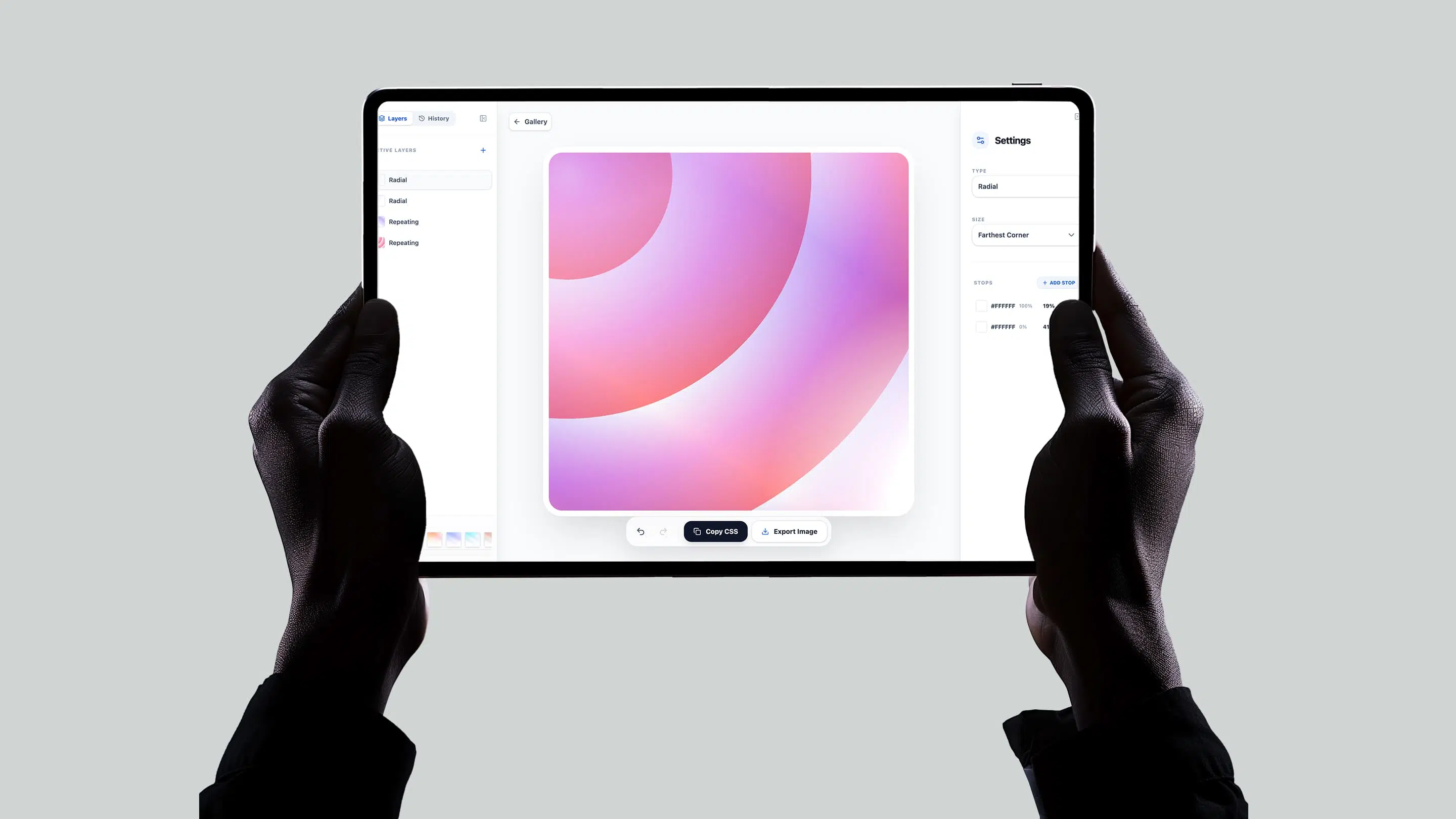
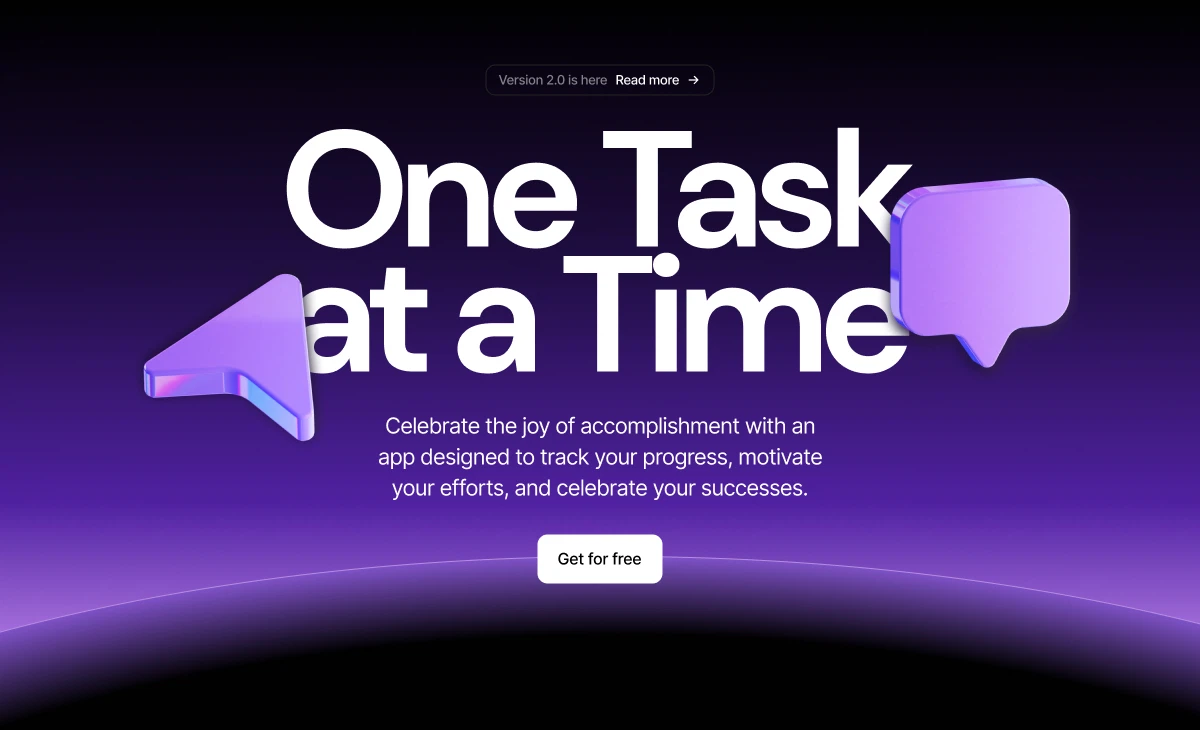
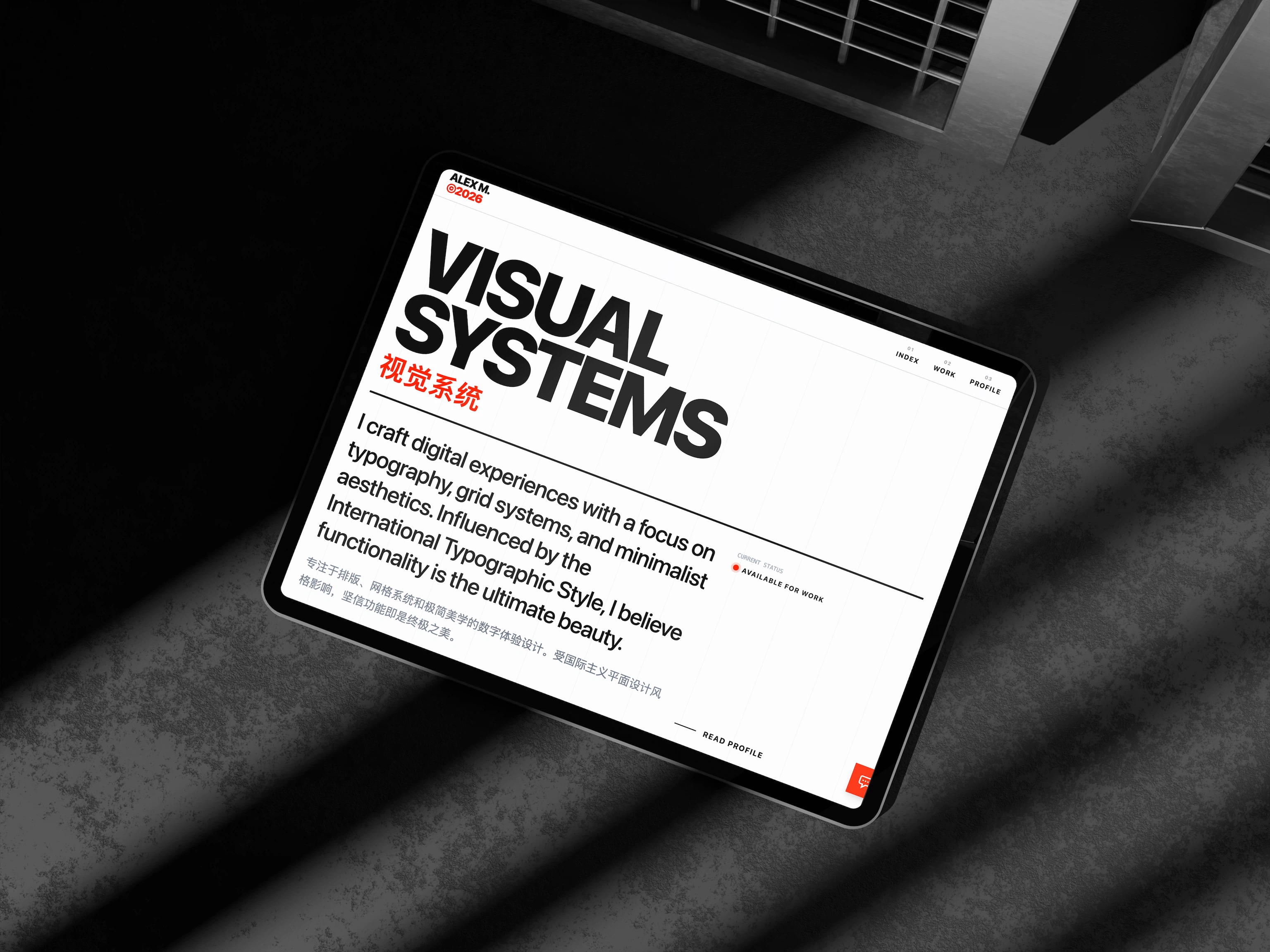
Real projects, generated and shipped in minutes.
FAQ
Common questions.
Talizen exports React/Next.js or HTML/CSS by default. The structure and styling are easy to port to Vue or use as reference.
Yes. Export static HTML/CSS and integrate into Vue templates or use the layout as a Vue component base.
Yes. Exported React components have a clear structure—props map to Vue props; port component-by-component if needed.
Yes. Build and edit in Talizen, export code, and use the design and structure in your Vue app.
React/Next.js and HTML/CSS are the primary exports; Vue teams often use HTML/CSS or adapt the React output.
Yes. Import Figma and get production-ready code—then port the layout and styles to your Vue project.