Common InquiryPrompt library
Prompt library
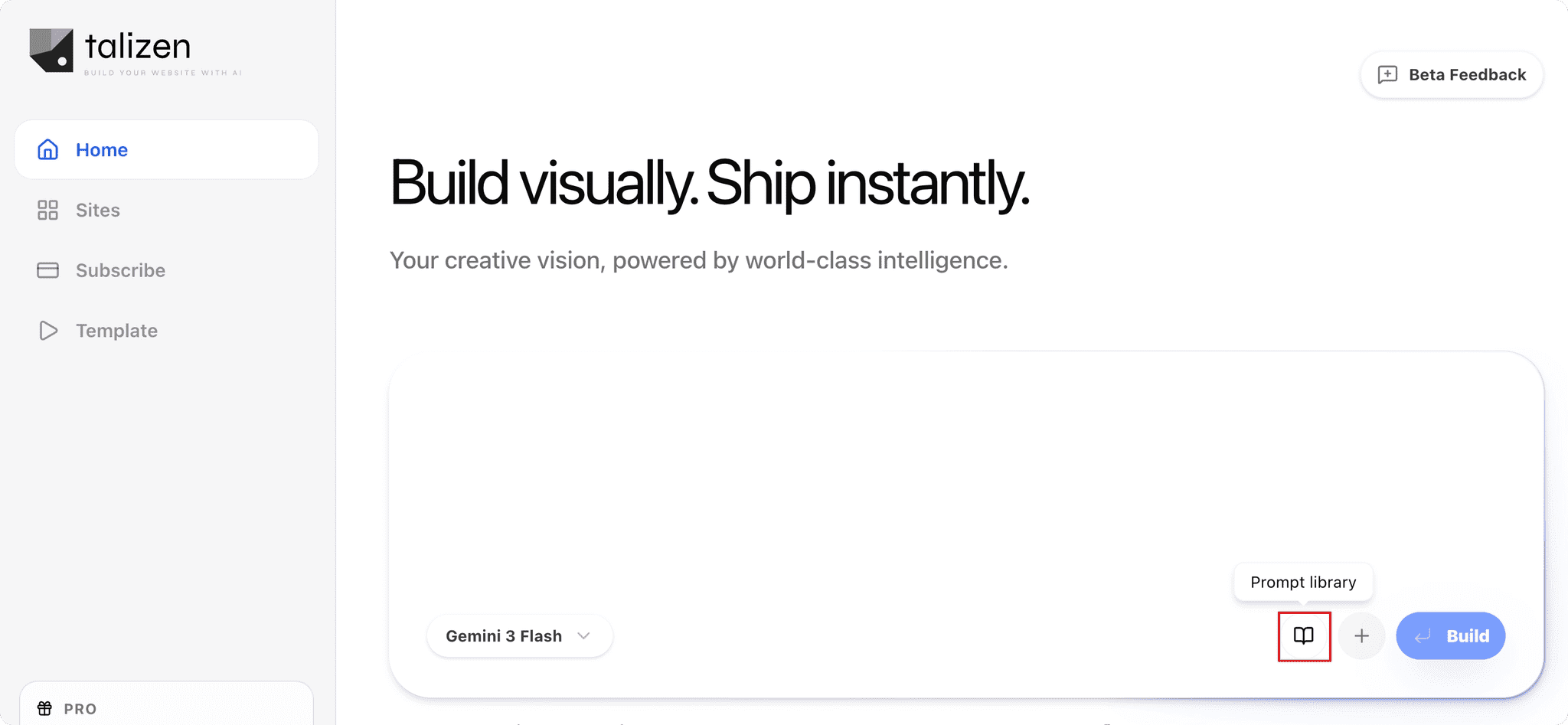
On the homepage, click the Prompt library button at the bottom of the chat dialog.
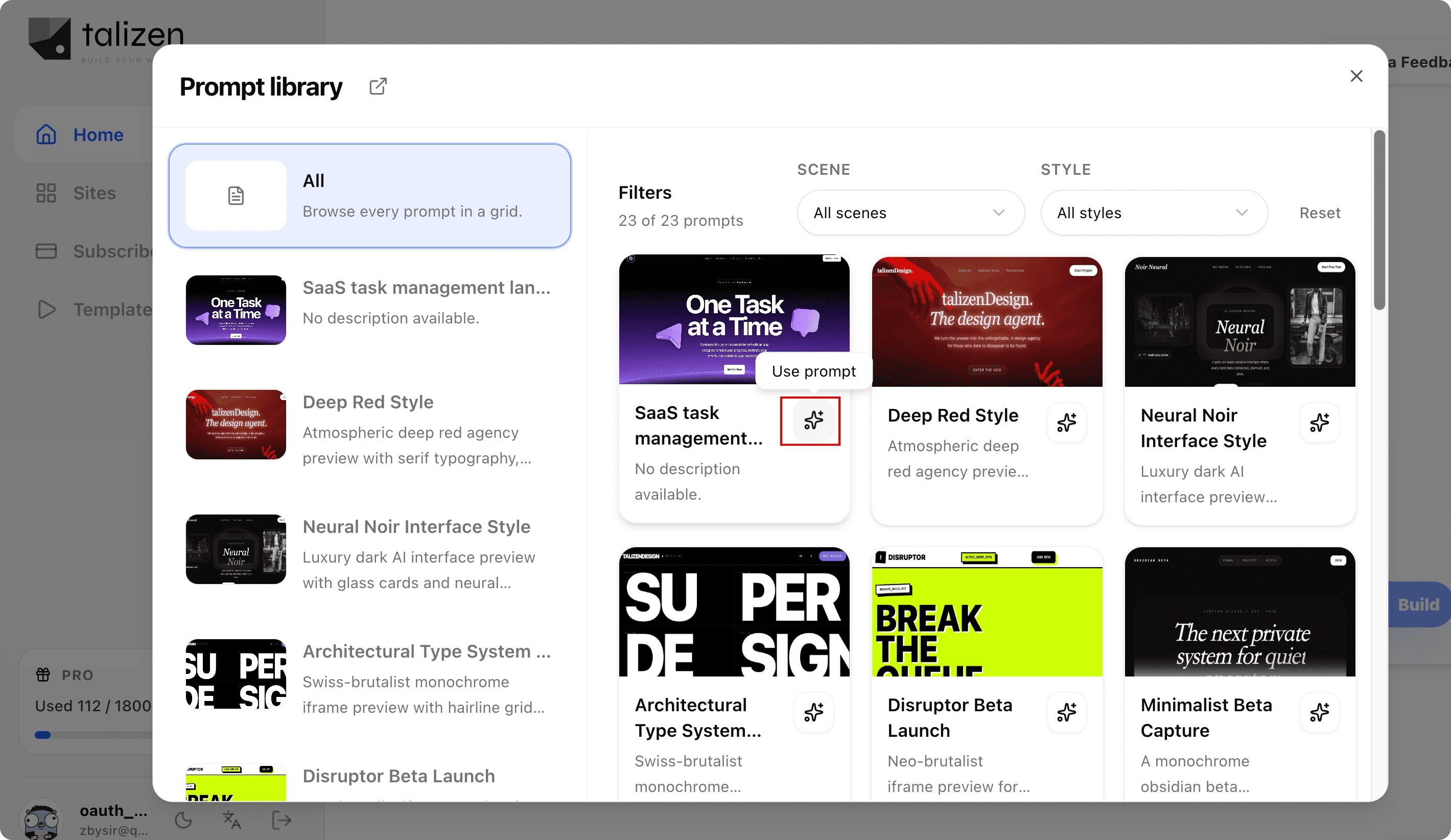
Choose a prompt with the style you want, then click Use prompt.
You can continue describing your requirements, for example: "Follow this style and make a review about photography enthusiasts, including lenses, cameras, sample photos, etc.",
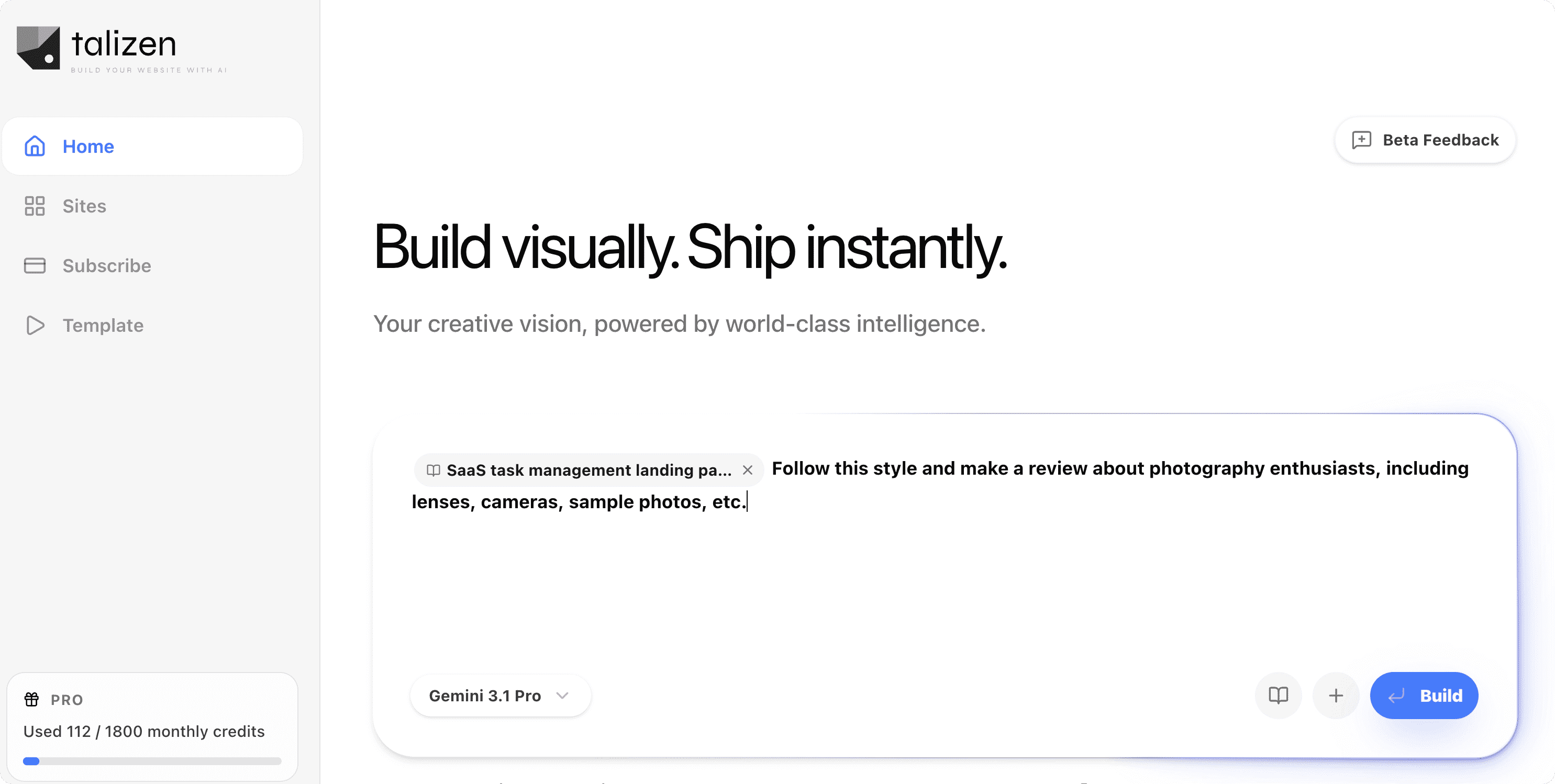
Then click Build to generate a similar website.
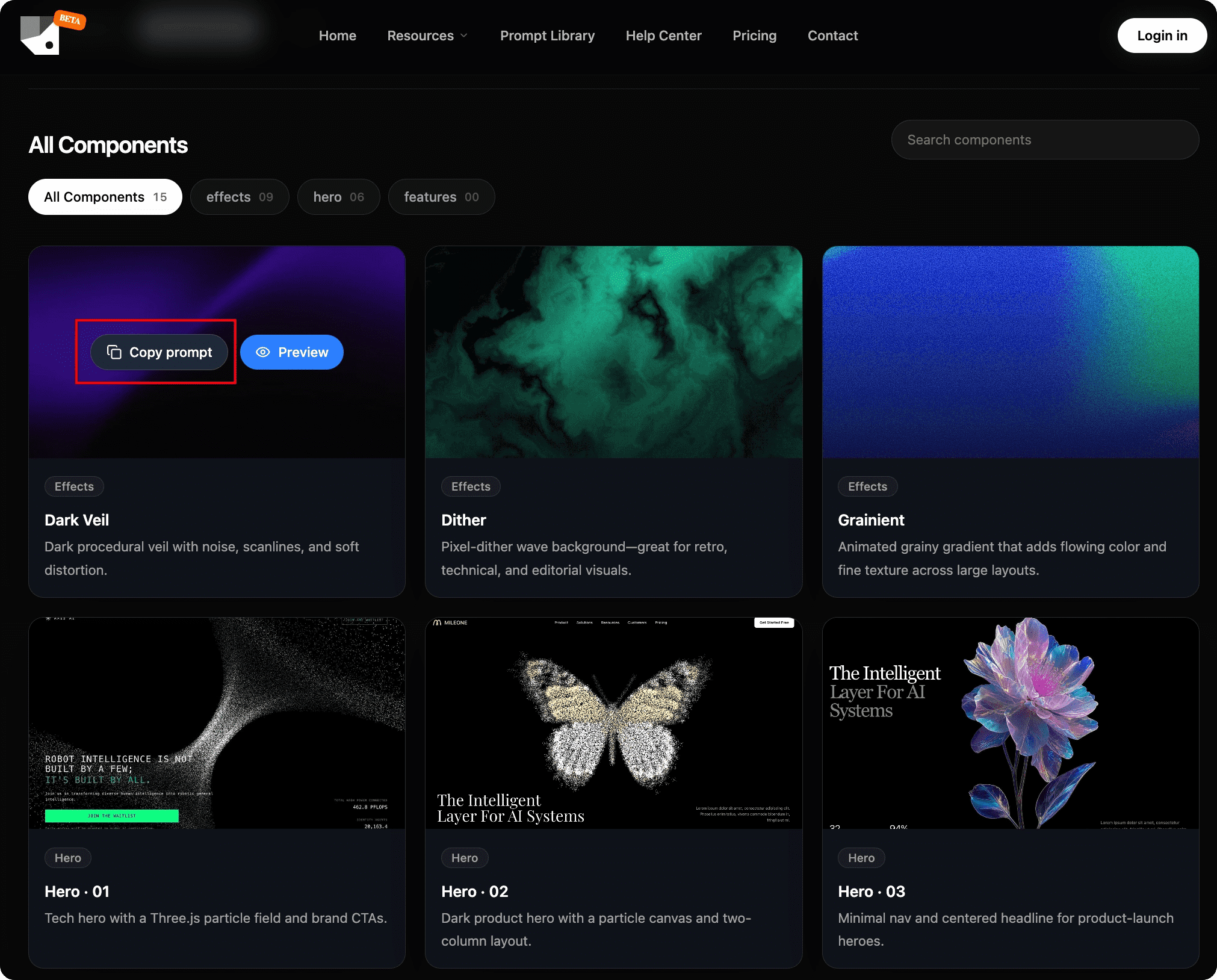
You can visit PromptLib to explore more prompts, copy and use them directly: https://promptlib.talizen.com/