Prompting TipsHow to Install ReactBits Components
How to Install ReactBits Components
React-bits is a component library focused on "creative visuals", designed to help developers build more distinctive and memorable pages.
This article explains how to use React-bits components on the Talizen platform.
Click here to browse all its components: https://reactbits.dev/get-started/index
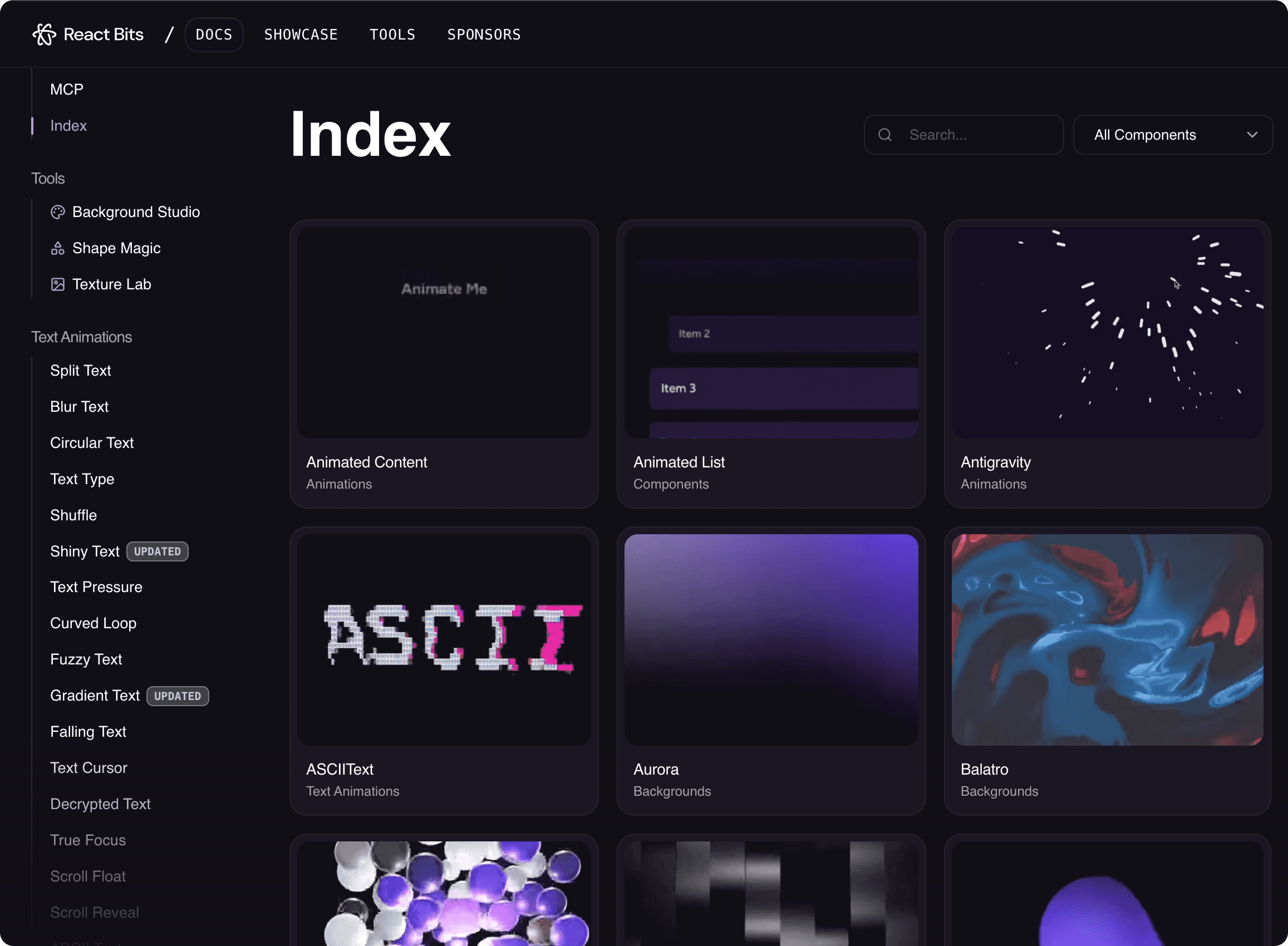
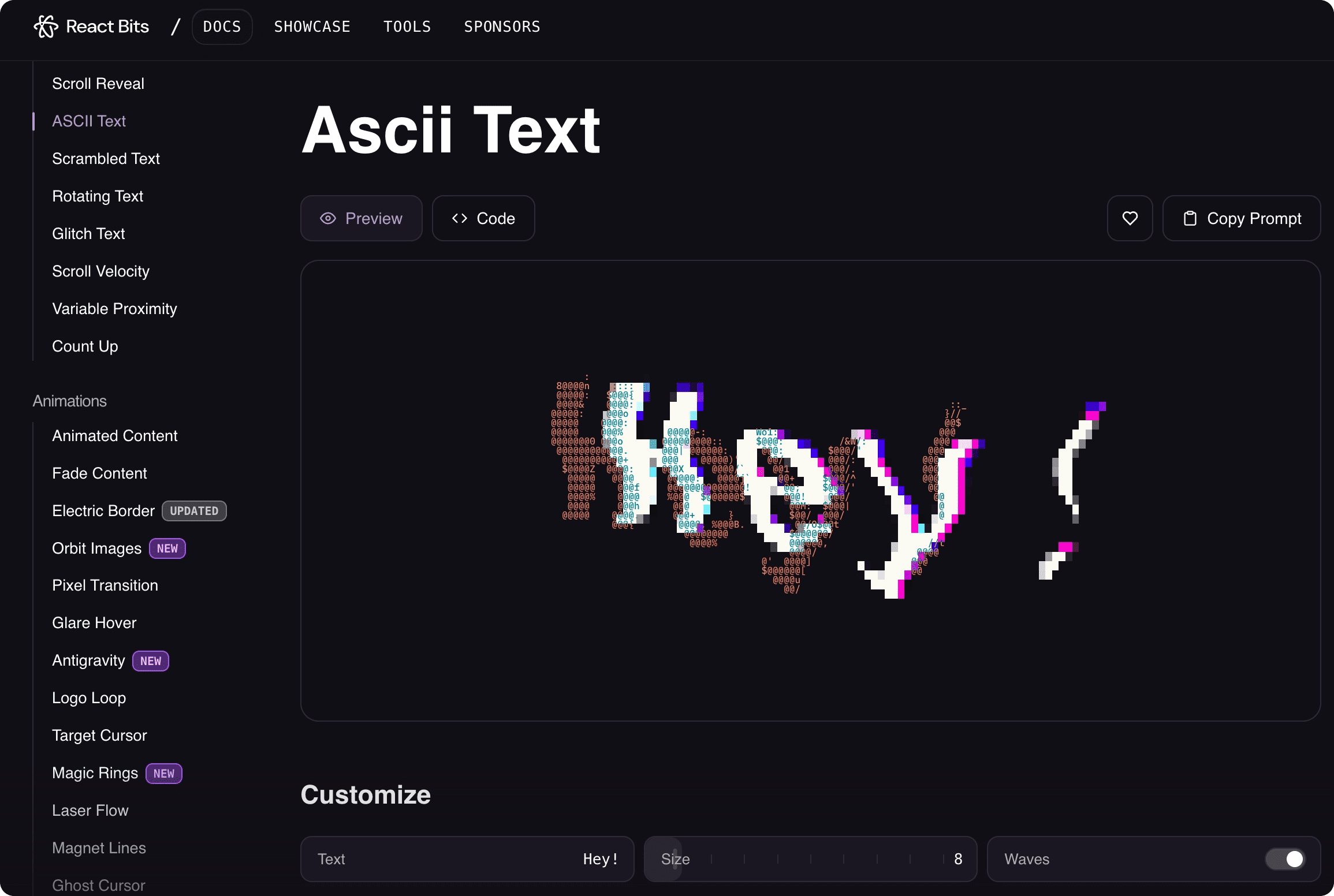
Then select the component you want and click to enter its detail page.
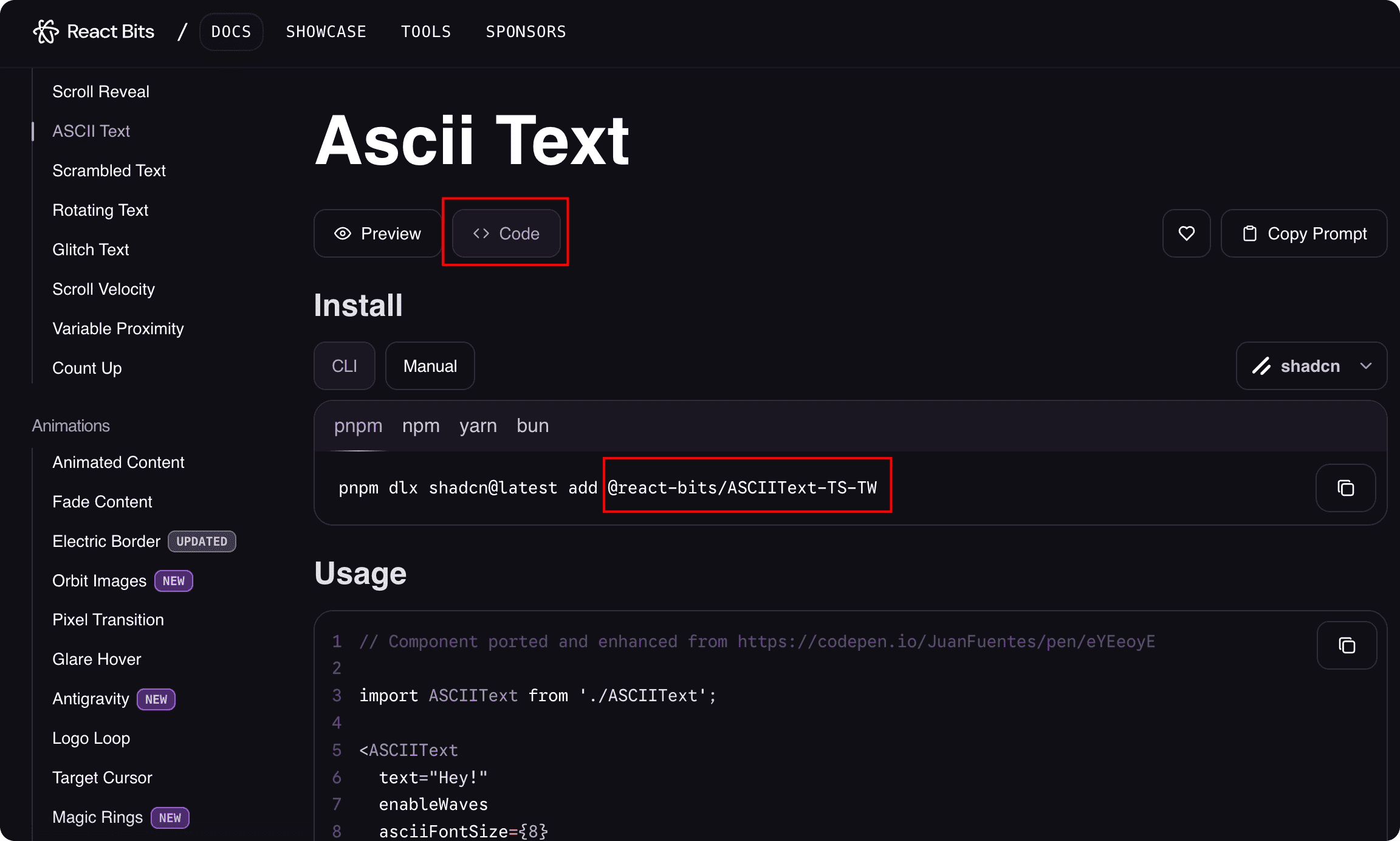
Click Code to get the component name, then copy it.
Next, type and send the following in the AI dialog box on the Talizen platform:
"Install and use " + the component name you just copied, e.g. "Install and use @react-bits/ASCIIText-TS-TW" to complete the installation.
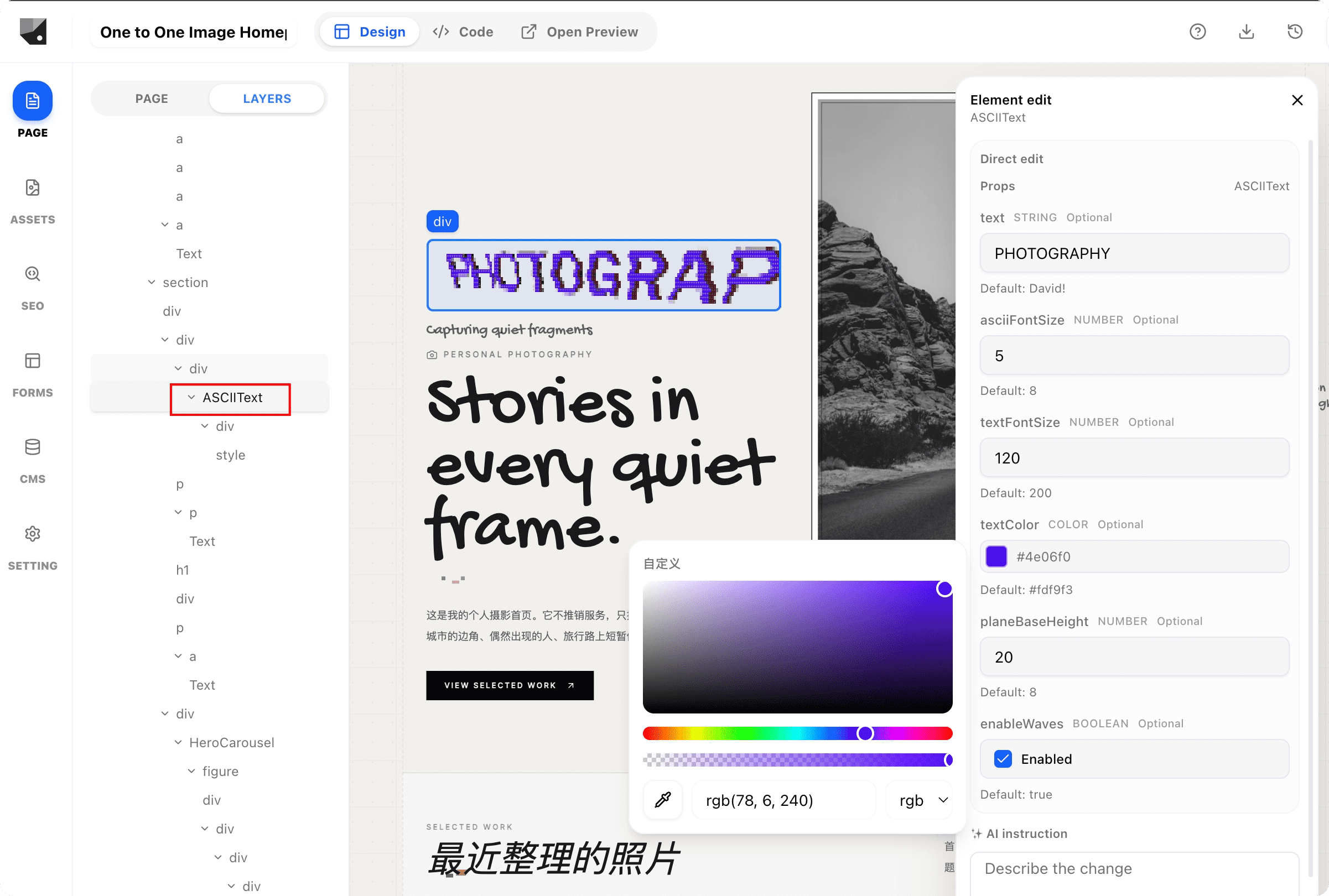
After installation, double-click the component to configure its properties, such as text size and color.