Operate CMS via Prompt
What is CMS
In website development, content such as news, products, blogs, tutorials, and portfolios typically uses a CMS (Content Management System).
Its core features are:
Unified page structure
Dynamic content
This means: the page layout remains the same, but the content displayed for each data entry is different.
How to let AI use CMS
Scenario 1: Creating from scratch
Taking a "Portfolio" as an example:
1. Specify the use of CMS
State that CMS is needed for content management and initialize data (e.g., 5 entries).
2. Define fields
Common fields include: Title, Description, Category (Web / UI / UX, etc.), Cover Image, Content, More Images (variable count).
3. Define page structure and paths
Requirements to generate:
Portfolio list page:
/workPortfolio detail page:
/work/slug
Example Prompt
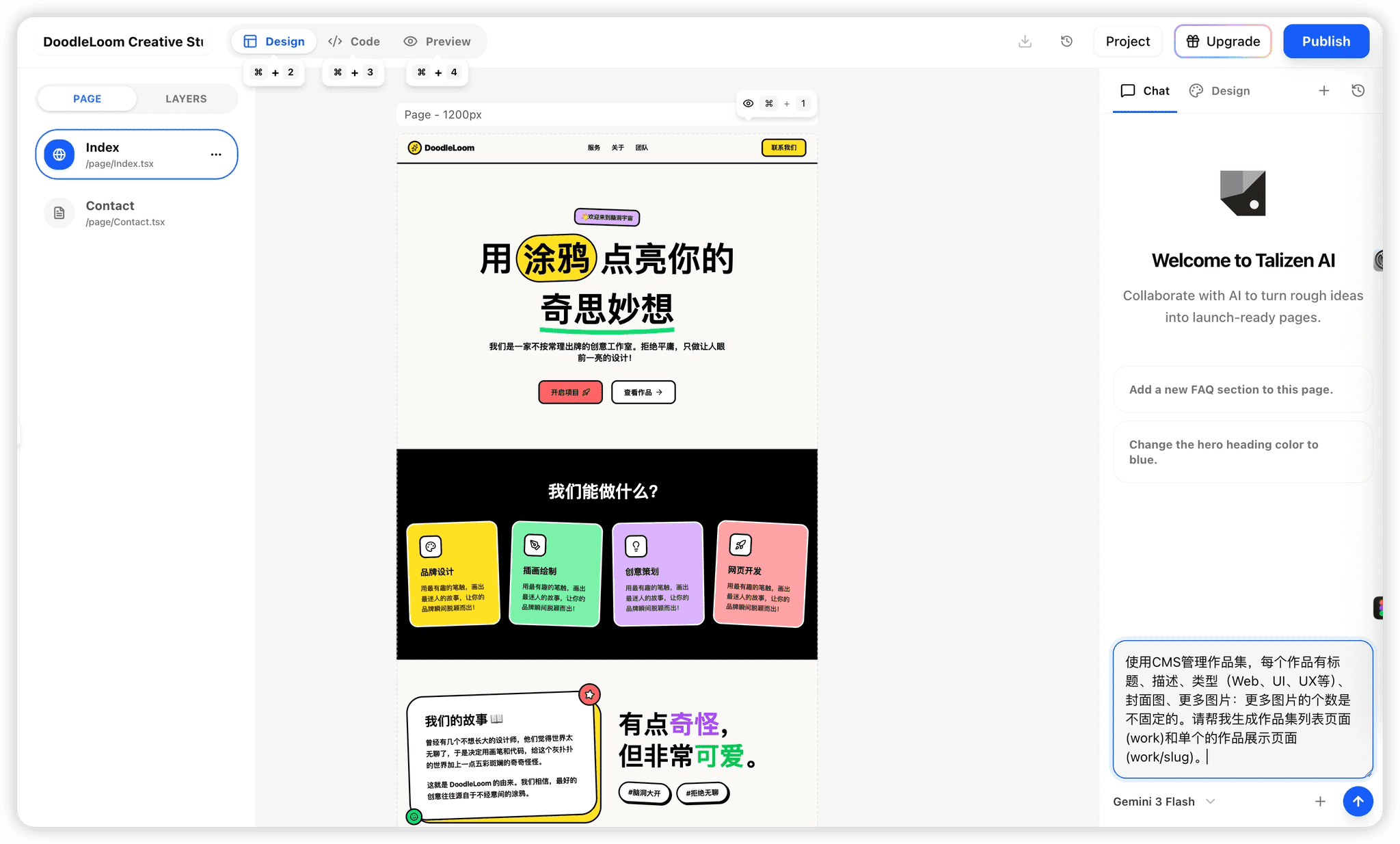
Use CMS to manage a portfolio, default 5 entries.
Each entry includes: Title, Description, Type (Web, UI, UX, etc.), Cover Image, More Images (variable count).
Please generate a portfolio list page (/work) and a portfolio detail page (/work/slug).
How to use
Copy the Prompt into the dialog box as shown below.
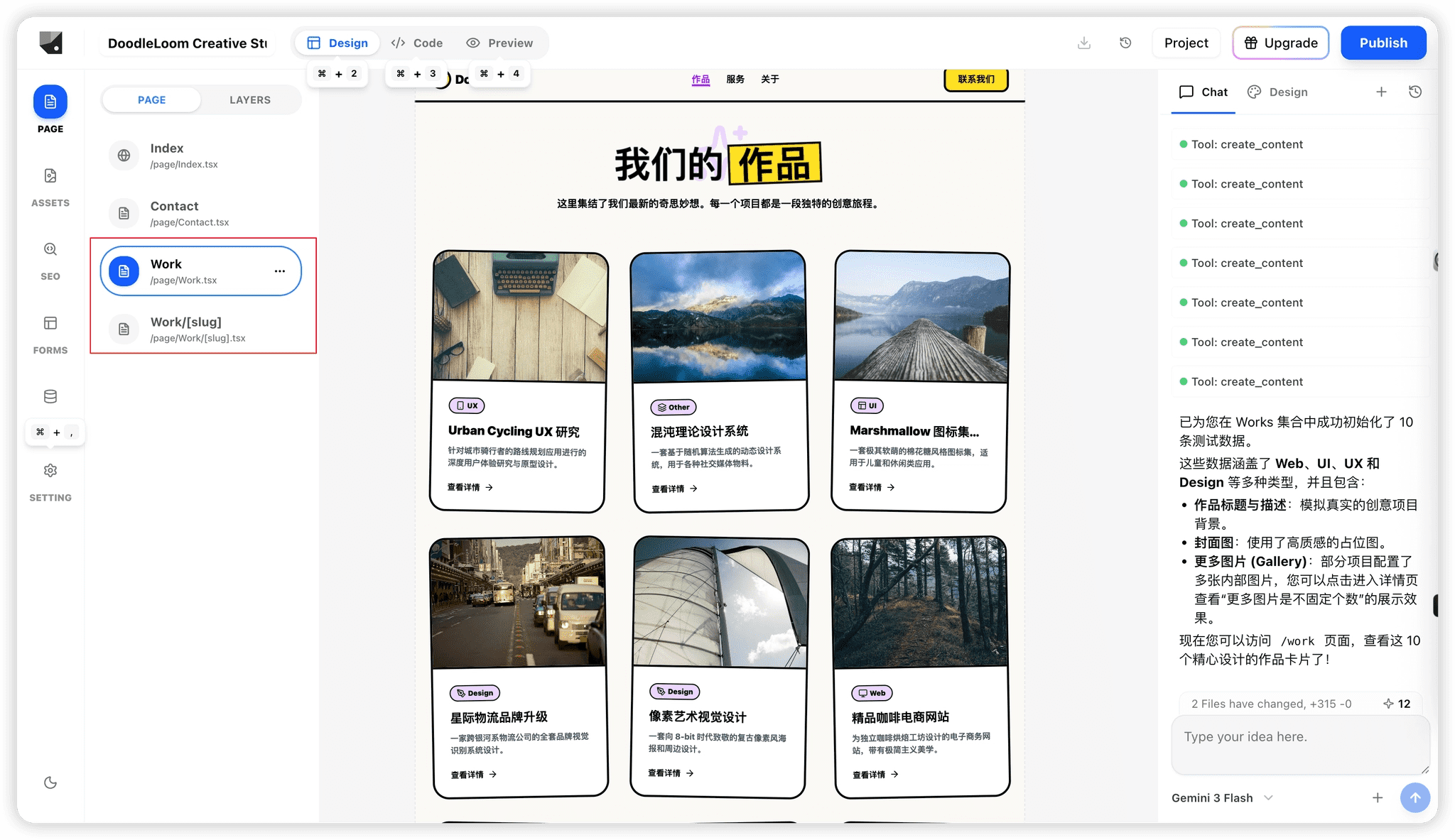
AI will automatically:
Create the portfolio list page
Create the detail page
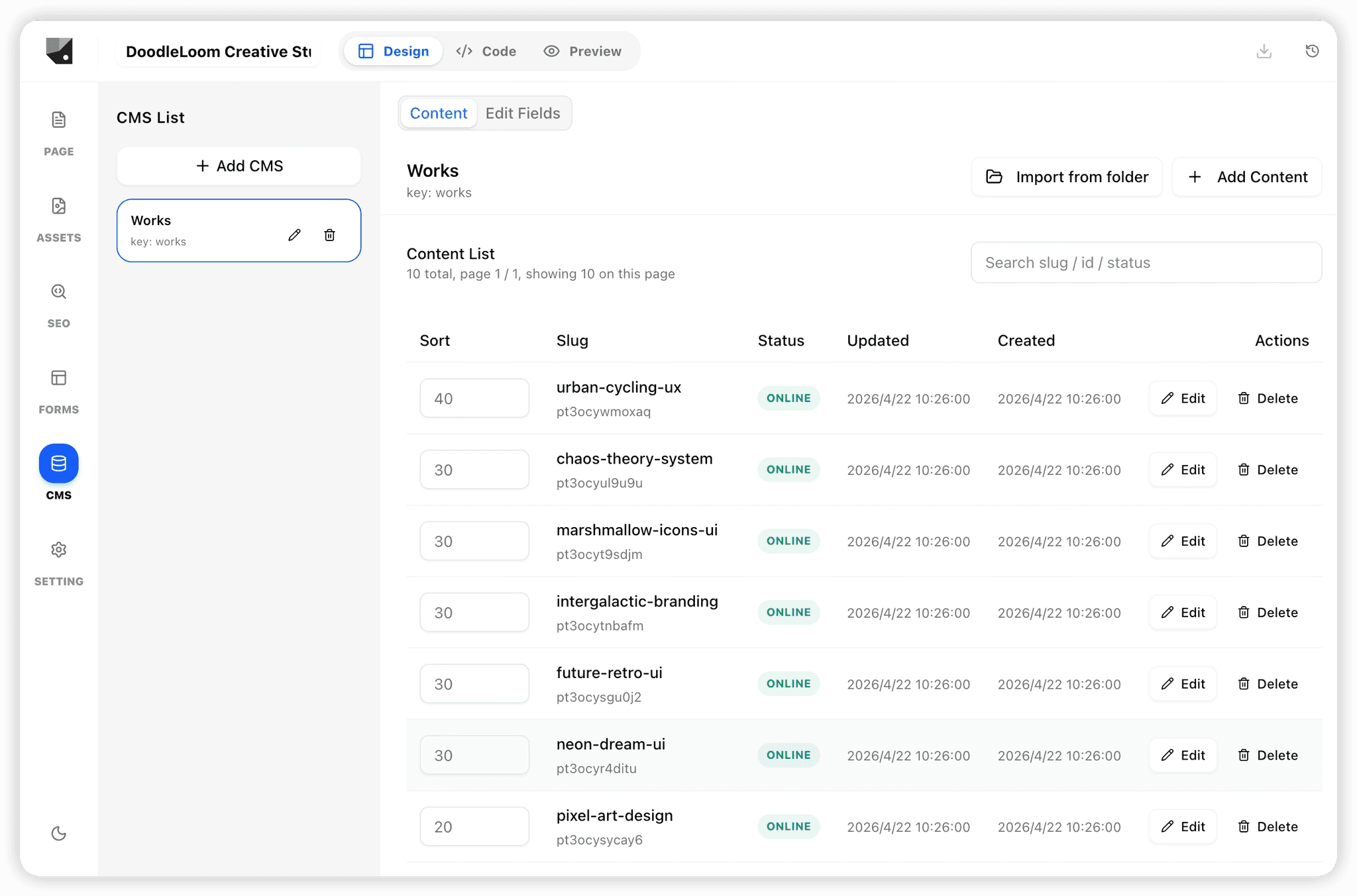
Generate corresponding CMS (e.g., works)
Scenario 2: Converting existing pages to CMS-driven
Applies when you already have a list or detail page.
1. Specify the area to be managed
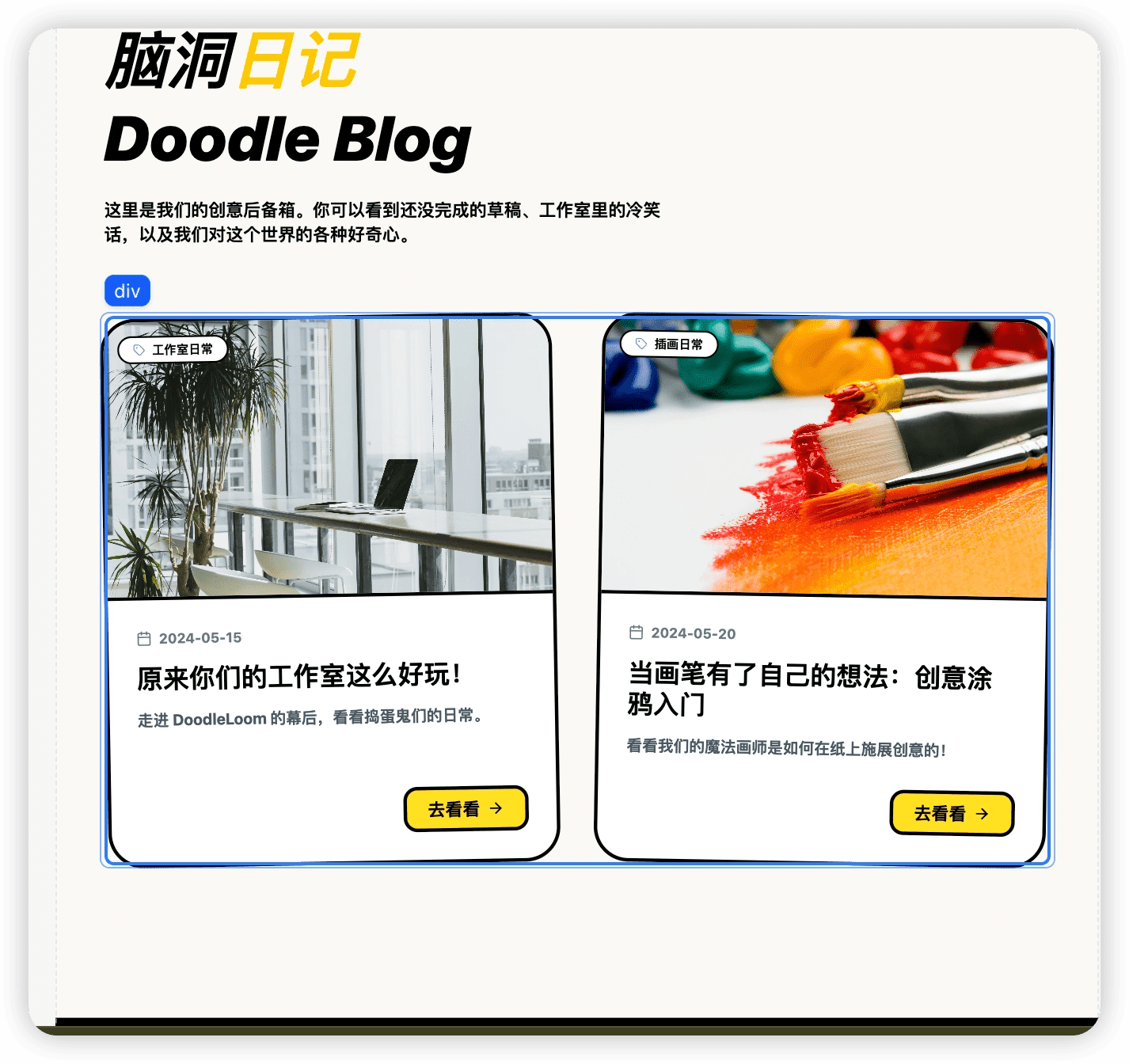
Select the list section on the page (e.g., blog list) and tell AI to use CMS management.
2. Define fields
For example: Title, Description, Content, Cover Image, Publish Date.
3. Generate page and path instructions
For example: Need to generate an article detail page, path as blog/slug.
Managing CMS Manually
Content Management (Add/Edit)
Go to the CMS Panel on the left:
Click Add Content to add new entries
Click the edit button on each entry to modify content
Field Management (Structure Adjustment)
Go to Edit Fields:
Add fields
Edit fields
Delete fields
Content forms sync automatically after field modifications.
Summary
The key to using CMS is these three points:
Clarify which part of the content is managed by CMS
Define clear data fields
Specify list + detail page structures